10 Easy Tools to Start Your Tech Journey in 2026
Starting your tech journey in 2026 is easier than ever, thanks to beginner-friendly tools that remove much of the complexity. Instead of feeling overwhelmed by coding languages or technical setups, you can now begin with simple platforms that guide you step by step. Many tools offer interactive learning, built-in tutorials, and real-time feedback, making it easier to understand concepts as you practice. This approach helps you build confidence early on, allowing you to focus more on creativity and problem-solving rather than struggling with complicated technical details.
Another advantage is how accessible and flexible these tools have become. Whether you are interested in coding, design, or building websites, there are options that match your pace and skill level. You do not need expensive software or advanced knowledge to get started, just a clear goal and consistency. These tools are designed to grow with you, meaning you can start simple and gradually explore more advanced features over time. This makes your tech journey smoother, more enjoyable, and far less intimidating for beginners.
Visual Studio Code
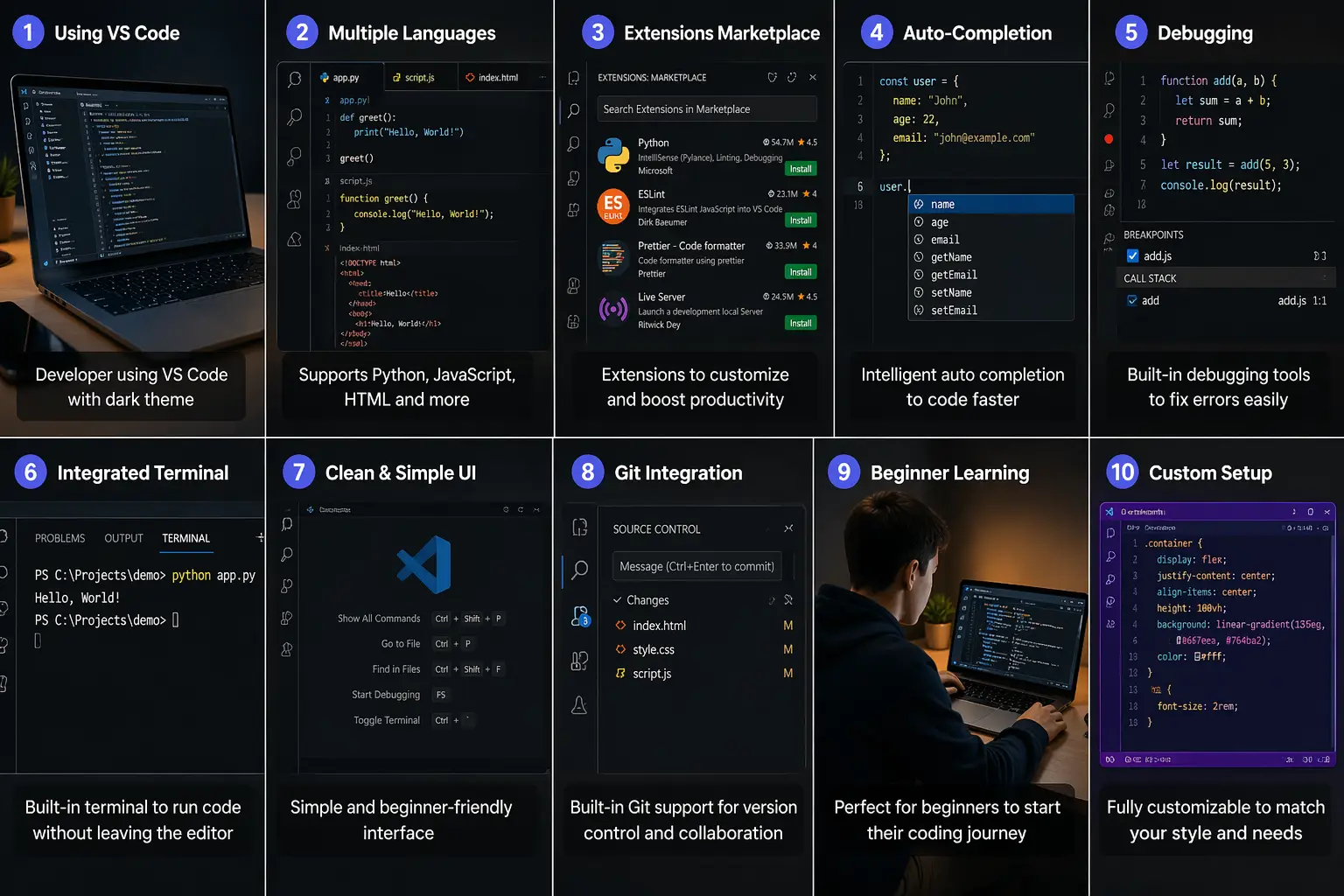
Visual Studio Code is one of the most popular code editors for beginners and professionals alike. It is lightweight, fast, and supports many programming languages like Python, JavaScript, and HTML. What makes it ideal for beginners is its simplicity combined with powerful features such as extensions, auto-completion, and debugging tools. You can customize it based on your needs without feeling overwhelmed. Built-in terminal access also allows you to run code without switching apps. As you grow, you can explore advanced features like Git integration and extensions for frameworks. It is a perfect starting point if you want to learn coding in a practical, hands-on way.
GitHub
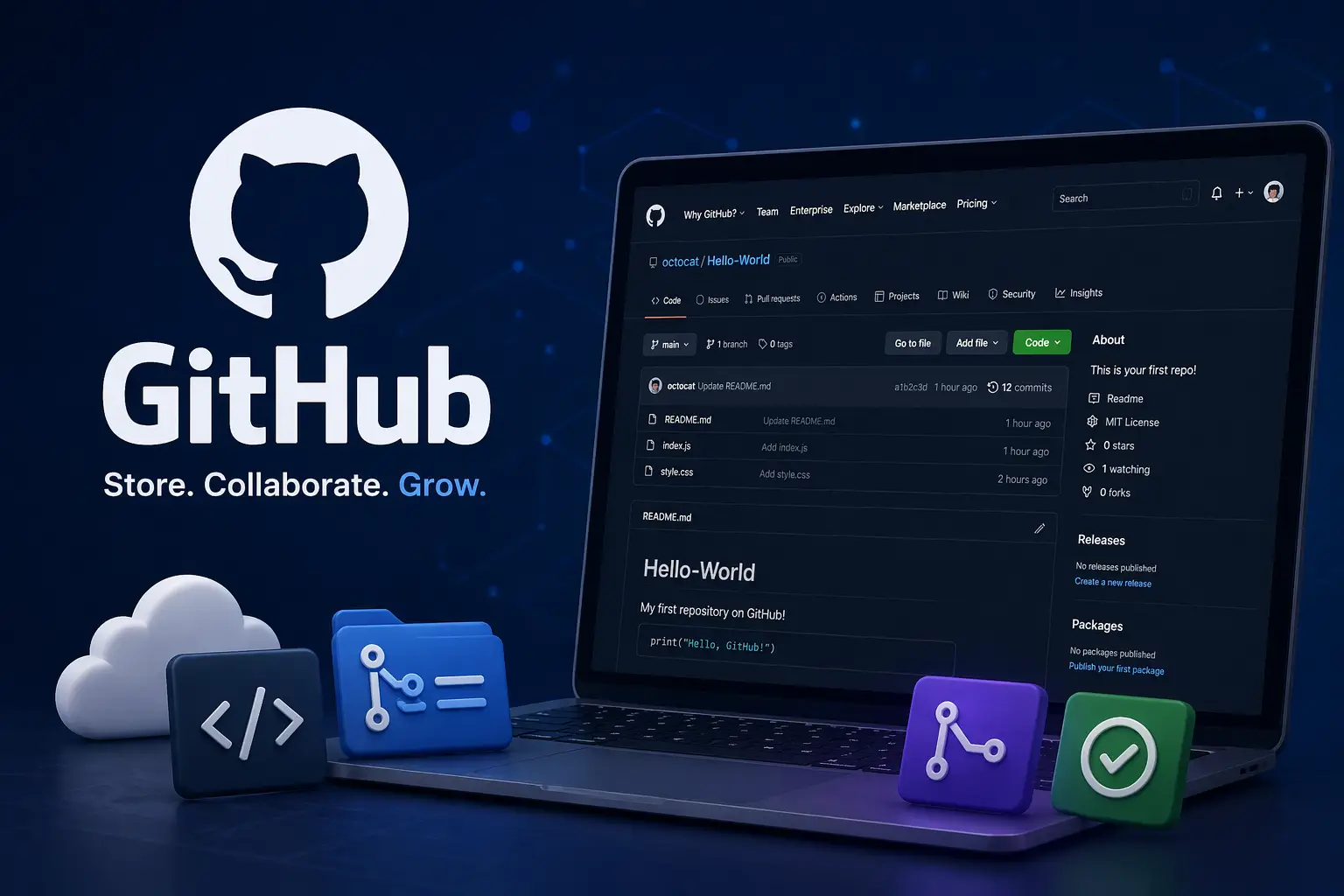
GitHub is essential for managing and sharing your code projects. It allows you to store your work online, track changes, and collaborate with others. Beginners can use GitHub to build a portfolio and showcase projects to potential employers or clients. It also helps you understand version control, which is a critical skill in modern development. You can explore open-source projects, learn from real-world code, and even contribute when you are ready. GitHub also integrates well with many development tools, making your workflow smoother. Starting early with GitHub helps you build professional habits and understand how real tech teams work together.
freeCodeCamp
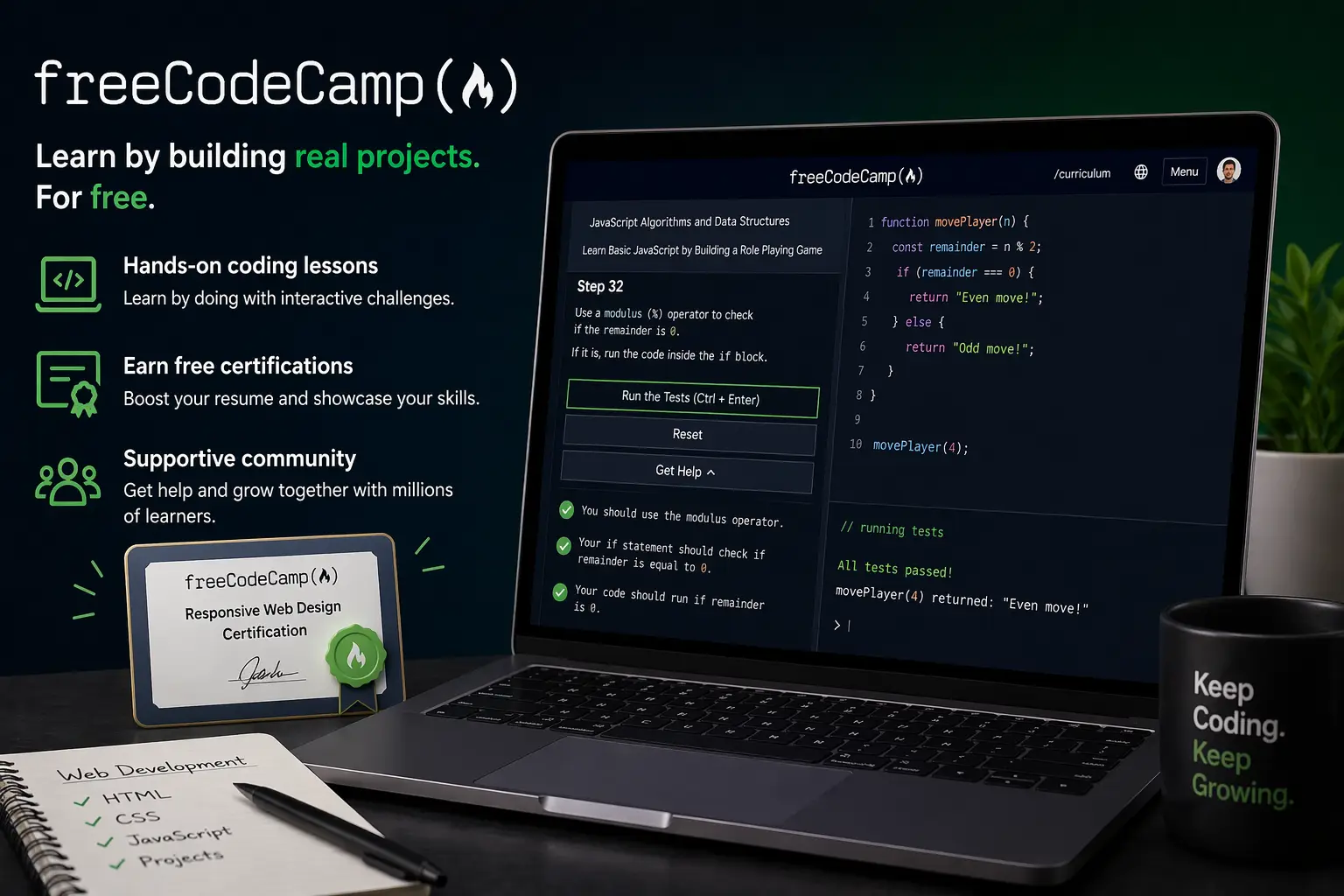
freeCodeCamp is a completely free platform that teaches coding through hands-on projects. It offers structured courses in web development, JavaScript, data analysis, and more. What makes it beginner-friendly is its step-by-step approach, where you learn concepts and immediately apply them in exercises. The platform also provides certifications after completing courses, which can boost your resume. It has a strong community, so you can get help when stuck. Instead of just watching tutorials, you actively build projects, which improves retention. For anyone starting from zero, freeCodeCamp provides a clear and practical roadmap into the tech world.
Canva
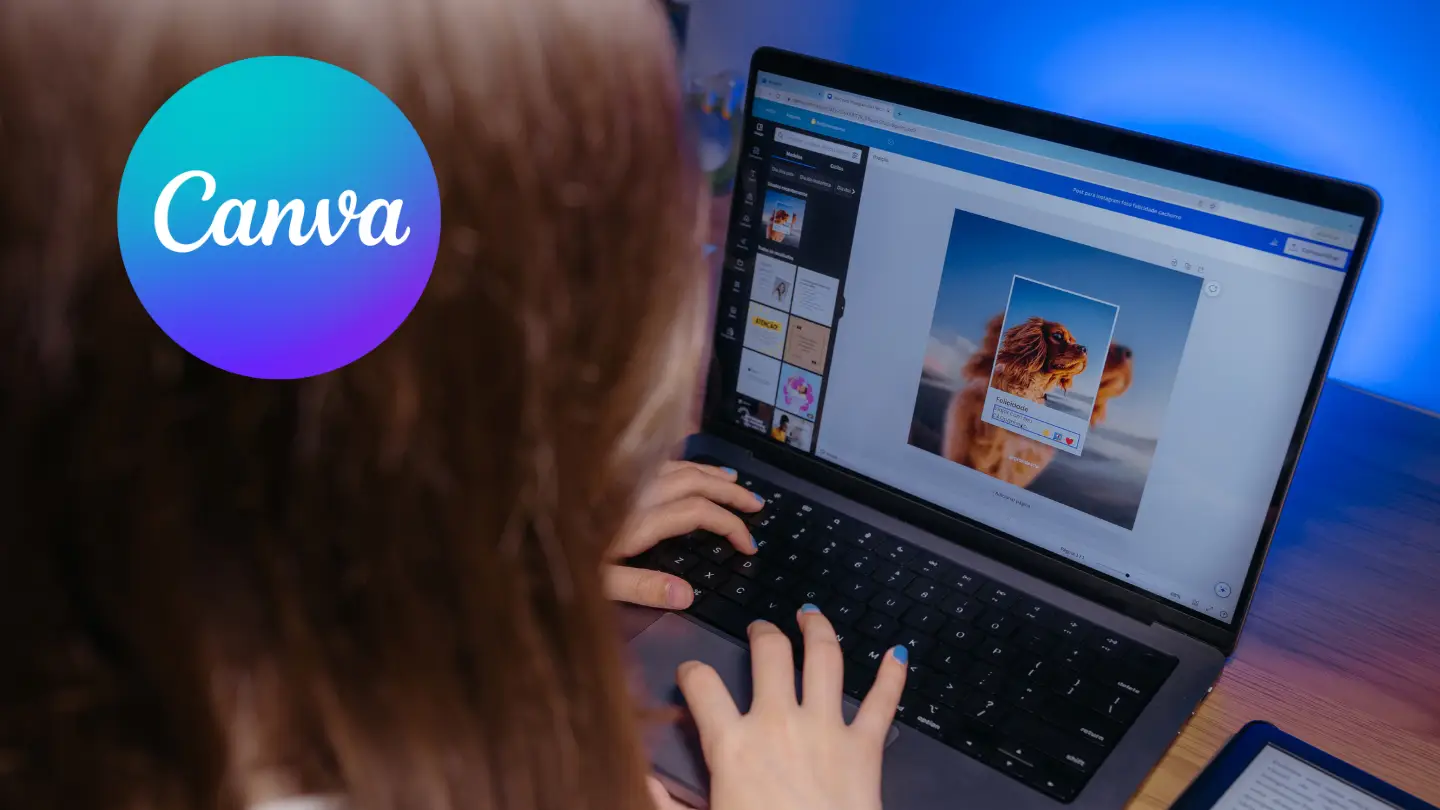
Canva is a simple yet powerful design tool that allows beginners to create professional graphics without design experience. Whether you want to make social media posts, presentations, or thumbnails, Canva offers drag-and-drop functionality with ready-made templates. It is especially useful for beginners exploring tech fields like content creation, marketing, or UI inspiration. You do not need to learn complex software like Photoshop to get started. Canva also includes collaboration features, making it easy to work with others. As your skills grow, you can experiment with branding and design basics, making it a great entry point into visual creativity.
Notion
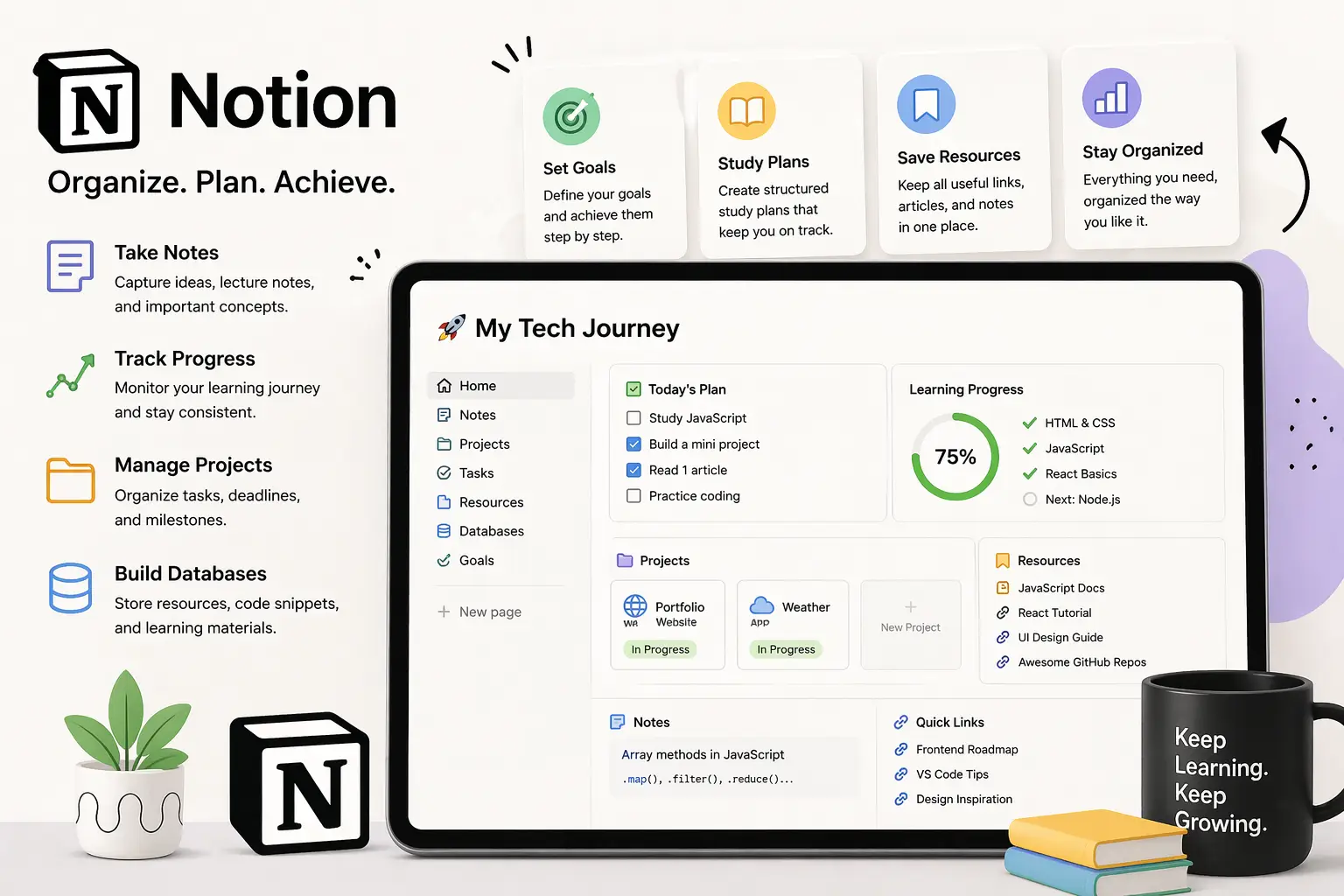
Notion is an all-in-one productivity tool that helps you organize your tech journey efficiently. You can use it to take notes, track learning progress, manage projects, and even build simple databases. Beginners often struggle with staying consistent, and Notion solves that by keeping everything in one place. You can create study plans, save useful resources, and monitor goals. Its clean interface and customizable templates make it easy to adapt to your workflow. Whether you are learning coding or design, staying organized is crucial, and Notion helps you build that habit from the start.
WordPress
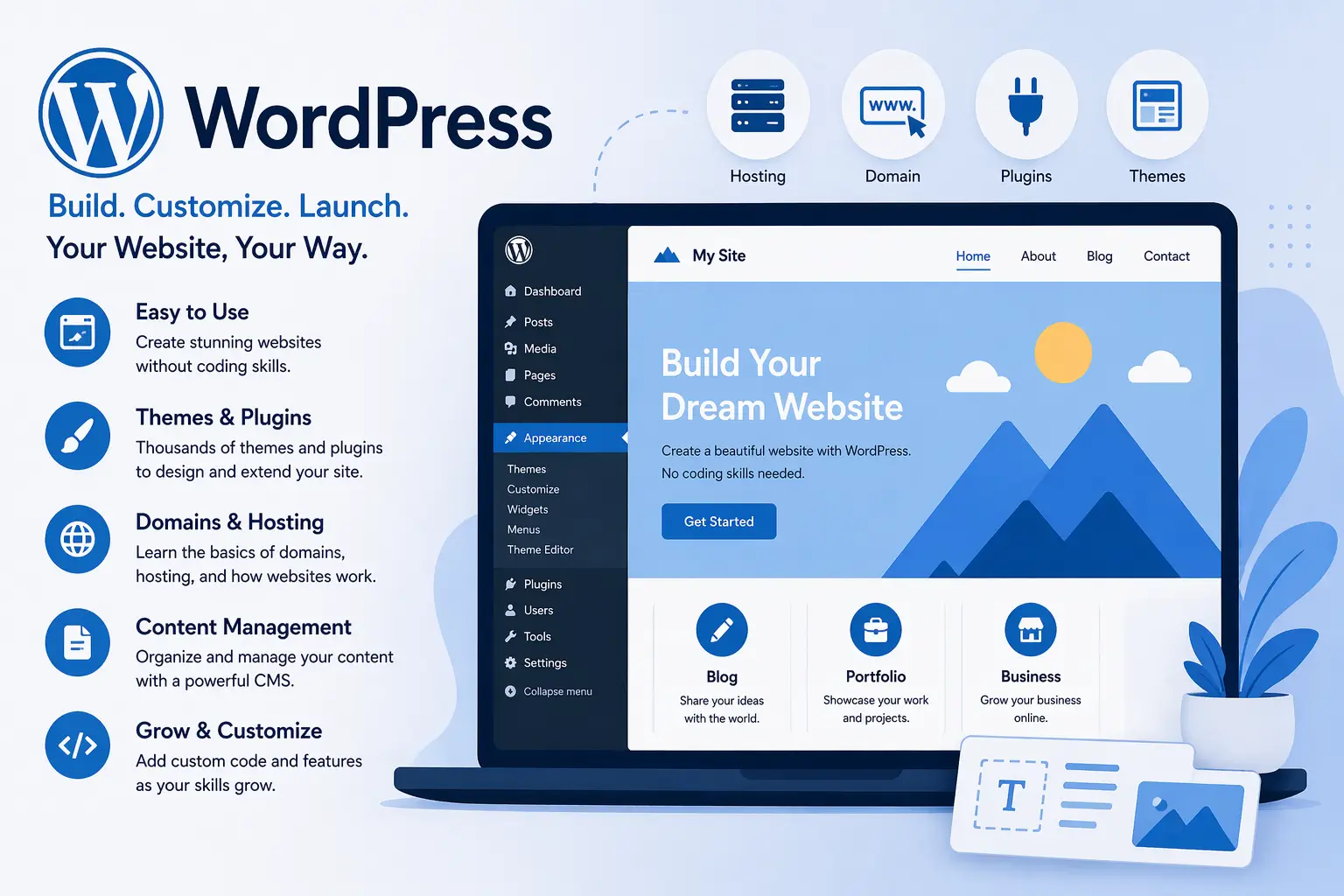
WordPress is one of the easiest ways to start building websites without deep coding knowledge. It powers a large portion of the internet and offers thousands of themes and plugins. Beginners can create blogs, portfolios, or business sites with minimal effort. It also introduces you to important concepts like hosting, domains, and content management systems. As you grow, you can customize your site further using code. WordPress is perfect for those who want to quickly launch a website while gradually learning how web development works behind the scenes.
Wix
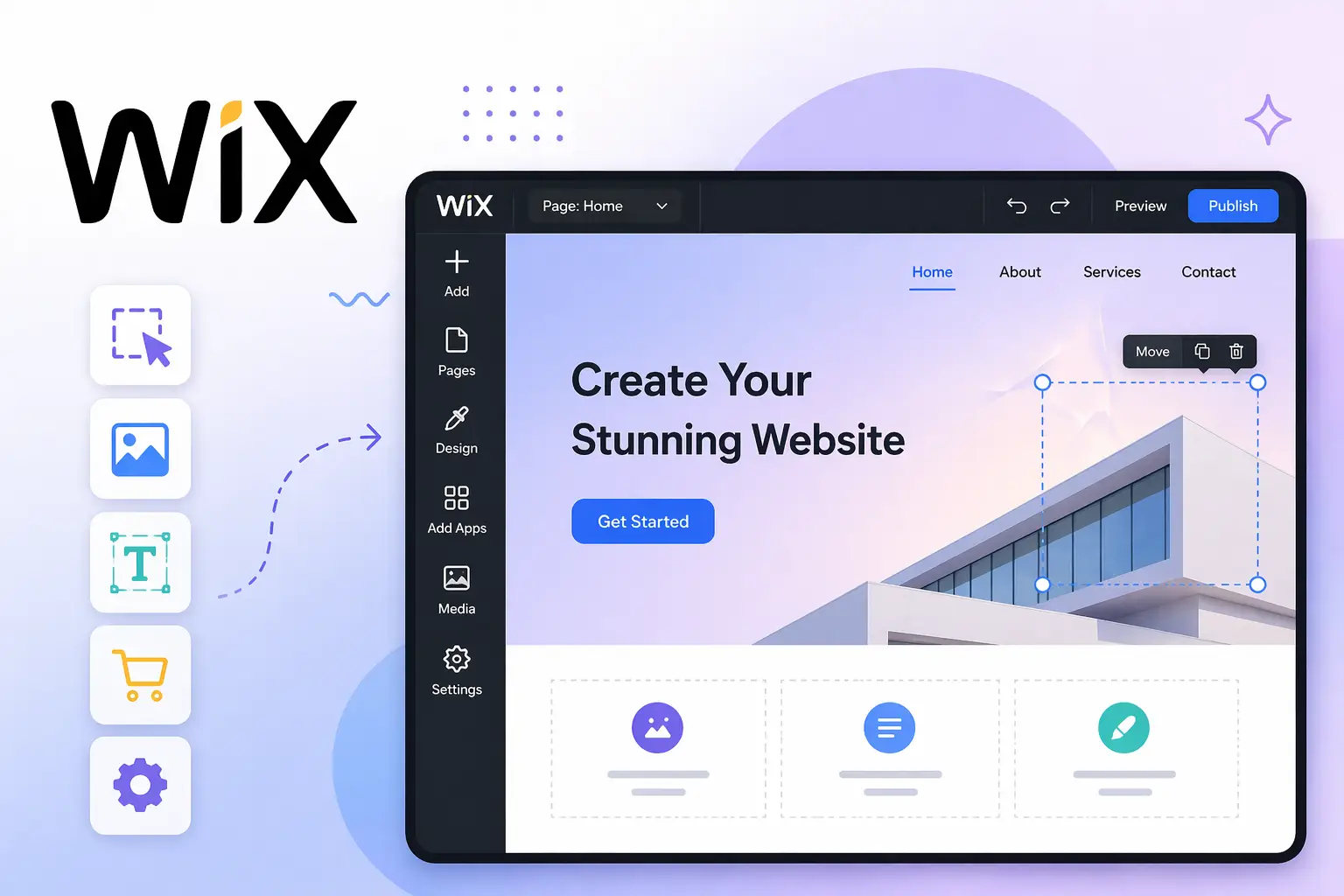
Wix is another beginner-friendly website builder known for its drag-and-drop interface. It allows you to design websites visually without writing code. This makes it ideal for complete beginners who want quick results. Wix provides templates for different industries, so you can build professional-looking sites in minutes. It also includes hosting and domain services, simplifying the entire process. While it may be less flexible than advanced tools, it is perfect for learning the basics of layout, design, and user experience. Wix helps you gain confidence before moving on to more complex platforms.
Figma
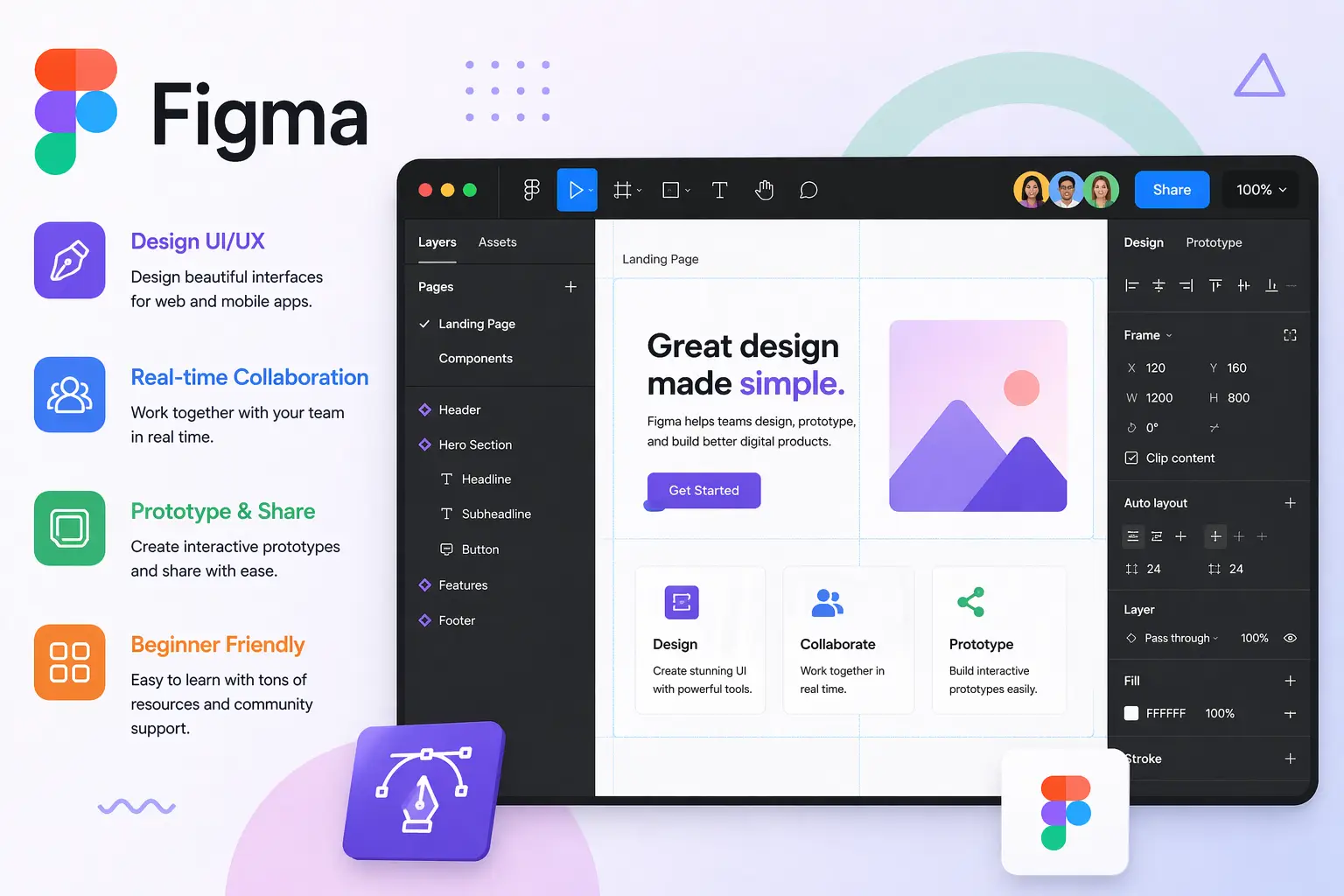
Figma is a powerful tool for UI/UX design and is widely used in the tech industry. It works directly in your browser, so you do not need heavy installations. Beginners can use Figma to design apps, websites, and user interfaces while learning design principles. It also supports real-time collaboration, making it great for team projects. With its simple interface and helpful community resources, you can quickly learn wireframing and prototyping. If you are interested in design or front-end development, Figma is an excellent starting point to understand how digital products are visually structured.
Replit
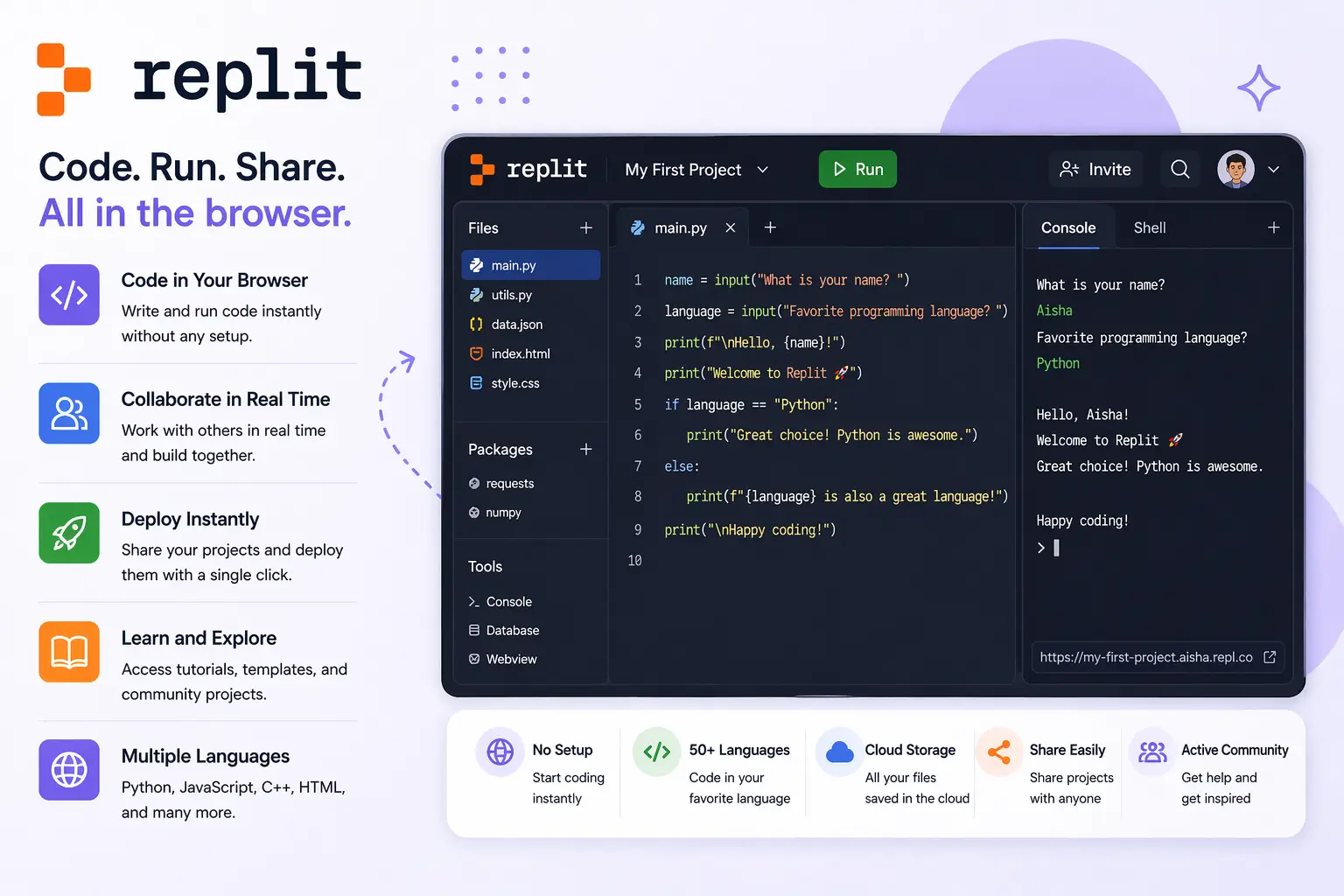
Replit allows you to write and run code directly in your browser without installing anything. This makes it extremely beginner-friendly, especially if you are not ready to set up a development environment. It supports multiple programming languages and includes features like collaboration and instant deployment. You can experiment, build projects, and share them easily. Replit also has built-in tutorials and community projects to explore. It removes technical barriers so you can focus purely on learning and practicing coding. For beginners, it is one of the fastest ways to start building real projects.
ChatGPT
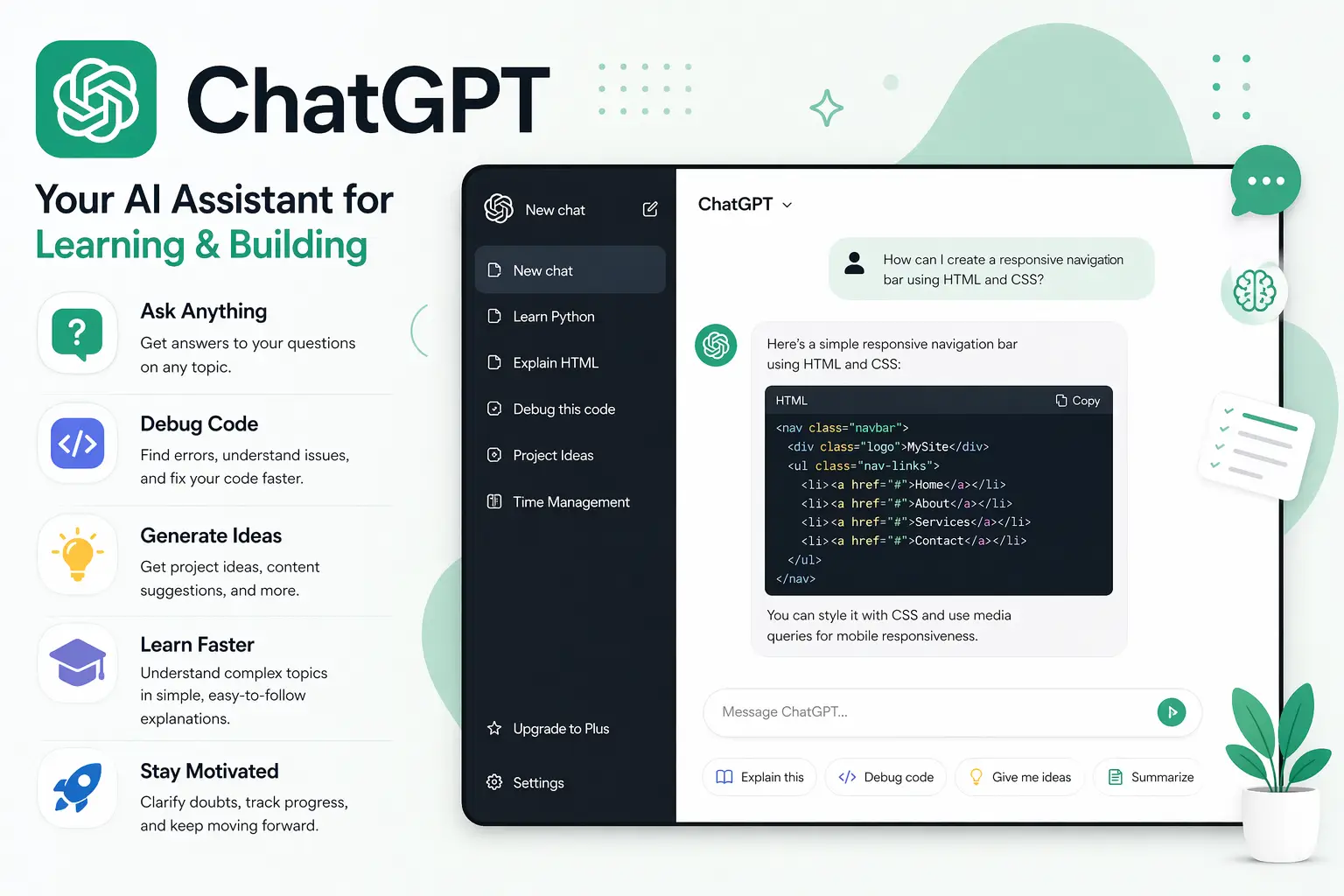
ChatGPT is a powerful AI tool that can support your learning journey in many ways. You can ask questions, get explanations, debug code, or even generate ideas for projects. It acts like a personal tutor available anytime, helping you understand complex topics in simple terms. Beginners can use it to clarify doubts, learn faster, and stay motivated. However, it is important to use it as a learning assistant rather than relying on it completely. When used correctly, ChatGPT can significantly speed up your progress and make your tech journey more interactive and engaging.
Summary
Starting your tech journey in 2026 is more accessible than ever, thanks to a wide range of beginner-friendly tools that simplify learning and creation. From coding and design to website building and productivity, these tools help you gain practical skills without feeling overwhelmed. The key is to start simple, stay consistent, and gradually explore advanced features as your confidence grows. With the right tools and mindset, anyone can build a strong foundation in tech and open doors to new opportunities in the digital world.
FAQ
Do I need coding knowledge to start using these tools?
No, many tools are designed specifically for beginners and require little to no coding knowledge. You can start with visual or no-code platforms and gradually move into programming as you gain confidence.
Are these tools free to use?
Most tools offer free versions with enough features for beginners. Some also have paid plans for advanced features, but you can start learning without spending money.
Which tool should I start with first?
It depends on your interest. If you want to learn coding, start with a coding platform. If you are into design or websites, begin with beginner-friendly design or website builders.
How long does it take to learn these tools?
You can start using most tools within a few hours or days. Mastery takes time, but consistent practice will help you improve quickly.
Can these tools help me get a job in tech?
Yes, by using these tools to build projects and skills, you can create a portfolio that demonstrates your abilities, which is valuable for job opportunities.