
10 Best Tools to Create 3D Websites Using Three.js in 2026
Creating 3D websites has become one of the most exciting trends in modern web development. With Three.js, developers can build interactive 3D experiences directly in the browser using JavaScript. However, building these experiences requires more than just one library. You need a combination of tools for coding, modeling, animation, debugging, and deployment to make the process smooth and efficient.
These tools help simplify complex tasks like importing 3D models, optimizing performance, and managing projects. Whether you are building a portfolio, product showcase, or interactive web application, using the right tools can save time and improve quality. For beginners, these tools provide structure and guidance, while for professionals, they enhance productivity and workflow.
Three.js
Three.js is the foundation of any 3D website built for the browser. It simplifies working with WebGL by providing high-level abstractions for rendering, lighting, cameras, and animations. Instead of writing complex low-level graphics code, developers can use Three.js to create interactive 3D scenes with relatively simple JavaScript. It supports importing models, adding textures, and handling user interactions like mouse movement or clicks. For beginners, it is the easiest entry point into 3D web development. For professionals, it offers flexibility to build advanced experiences such as games, simulations, and immersive UI designs.
Visual Studio Code
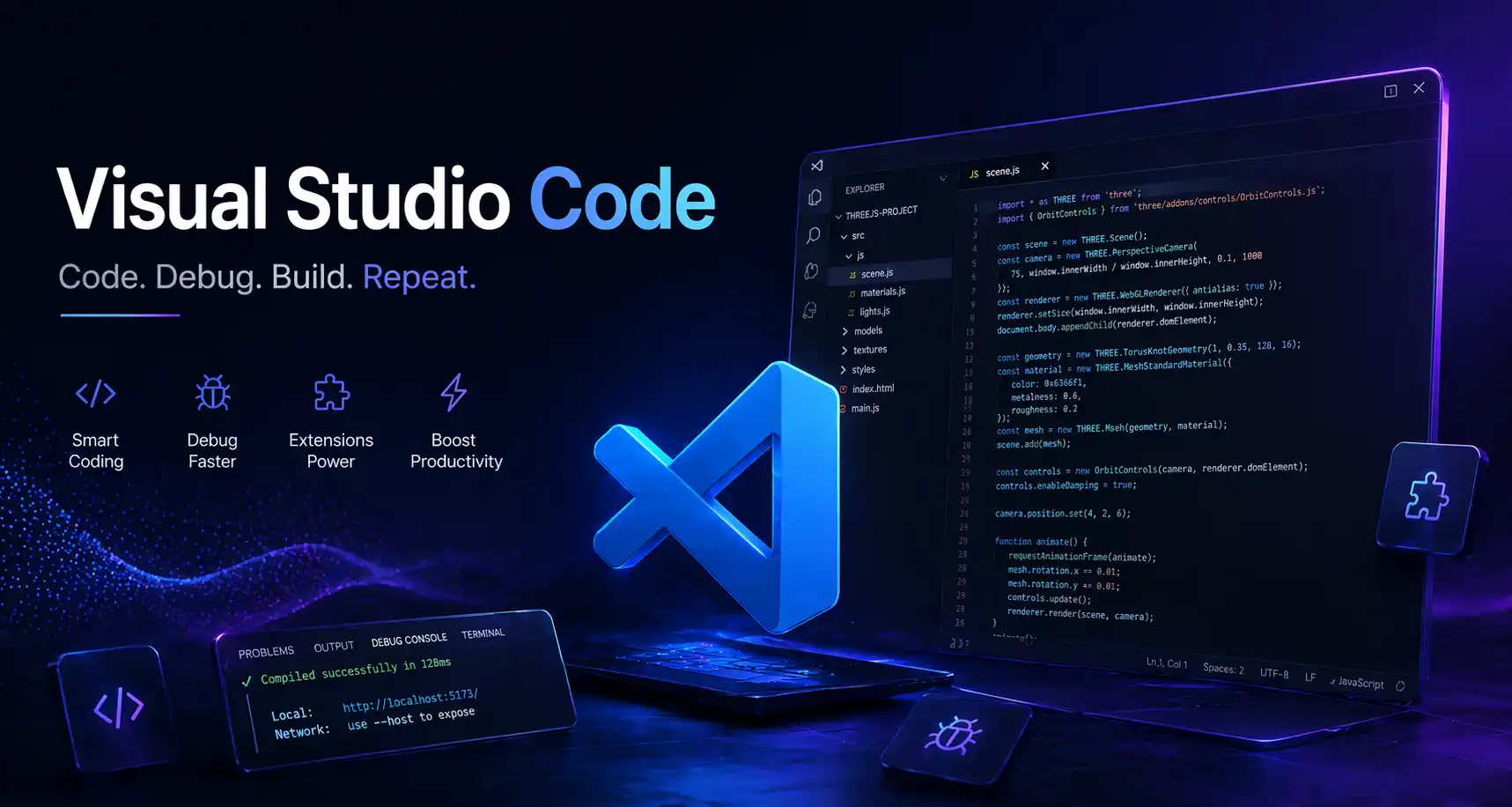
Visual Studio Code is one of the most popular editors for web development, including Three.js projects. It provides powerful features like IntelliSense, debugging tools, and extensions that improve productivity. Developers can install extensions for JavaScript, live preview, and formatting, making it easier to write and manage code. Its integrated terminal allows you to run development servers without leaving the editor. For Three.js projects, VS Code helps maintain clean code structure and speeds up development through automation and shortcuts. It is beginner-friendly while still powerful enough for professional workflows.
Node.js
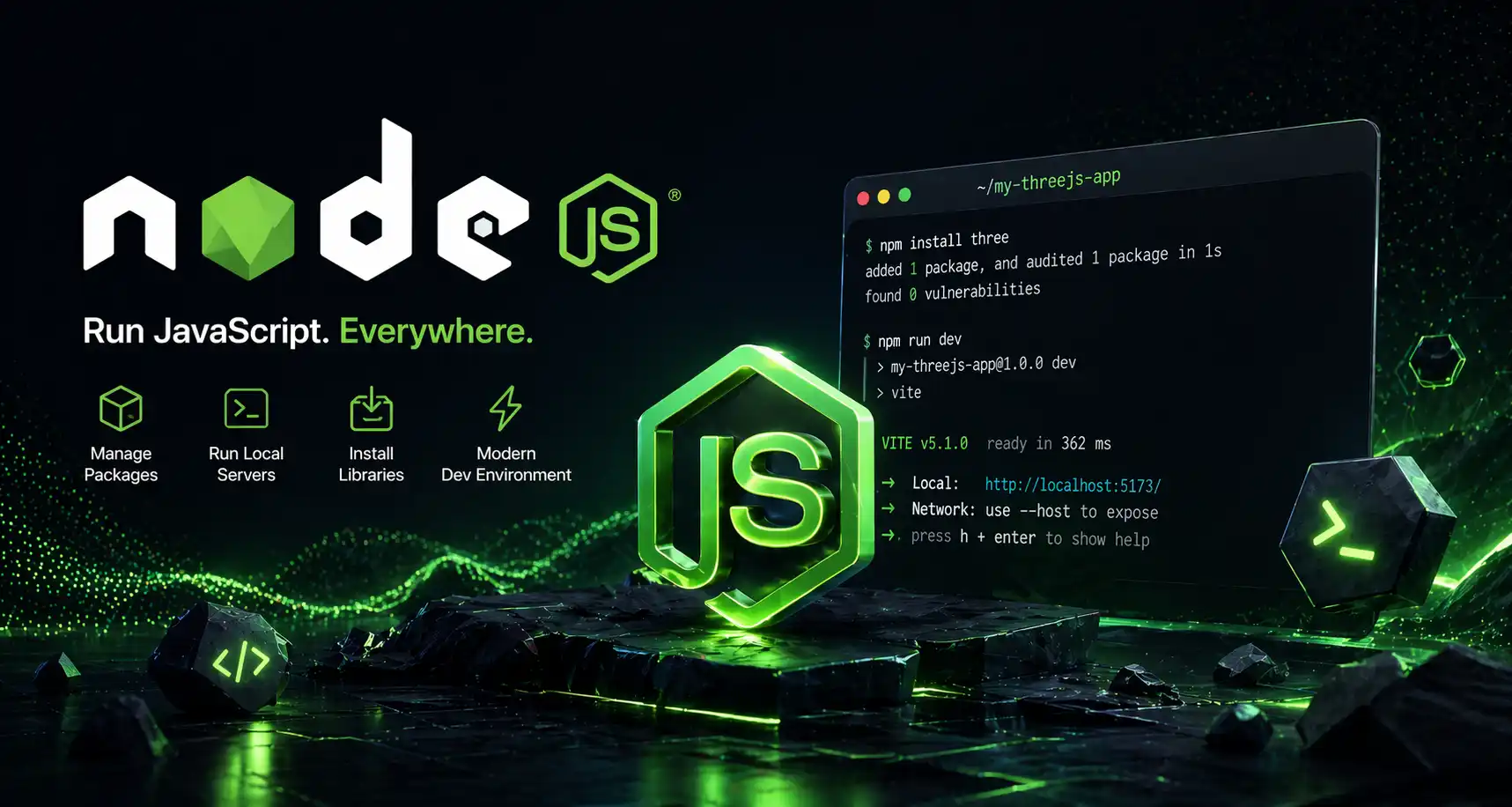
Node.js plays a crucial role in managing dependencies and running local development environments. It allows developers to install packages like Three.js and other libraries using npm. With Node.js, you can set up a local server, which is necessary for loading 3D assets like models and textures correctly. It also enables build tools and automation processes that improve performance and workflow. Even though it does not directly create 3D visuals, it supports the entire development environment, making it an essential tool for any modern Three.js project.
Vite
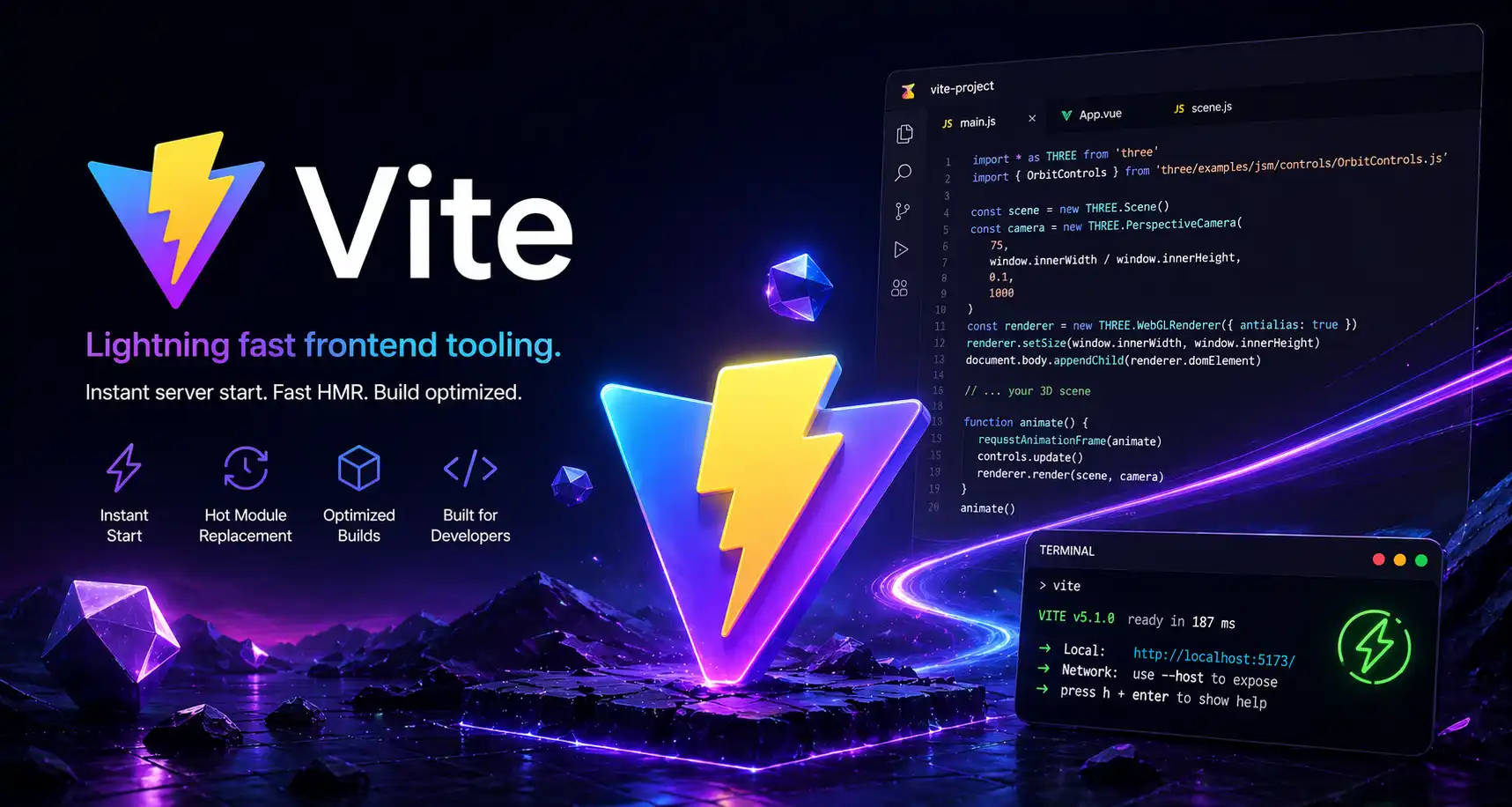
Vite is a fast and modern build tool that significantly improves the development experience. It provides instant server startup and hot module replacement, allowing developers to see changes in real time without refreshing the page. This is especially useful in Three.js projects where visual feedback is important. Vite also optimizes code for production, ensuring better performance and smaller file sizes. Compared to older tools, it is lightweight and easy to configure, making it ideal for beginners and professionals working on interactive 3D web applications.
Blender
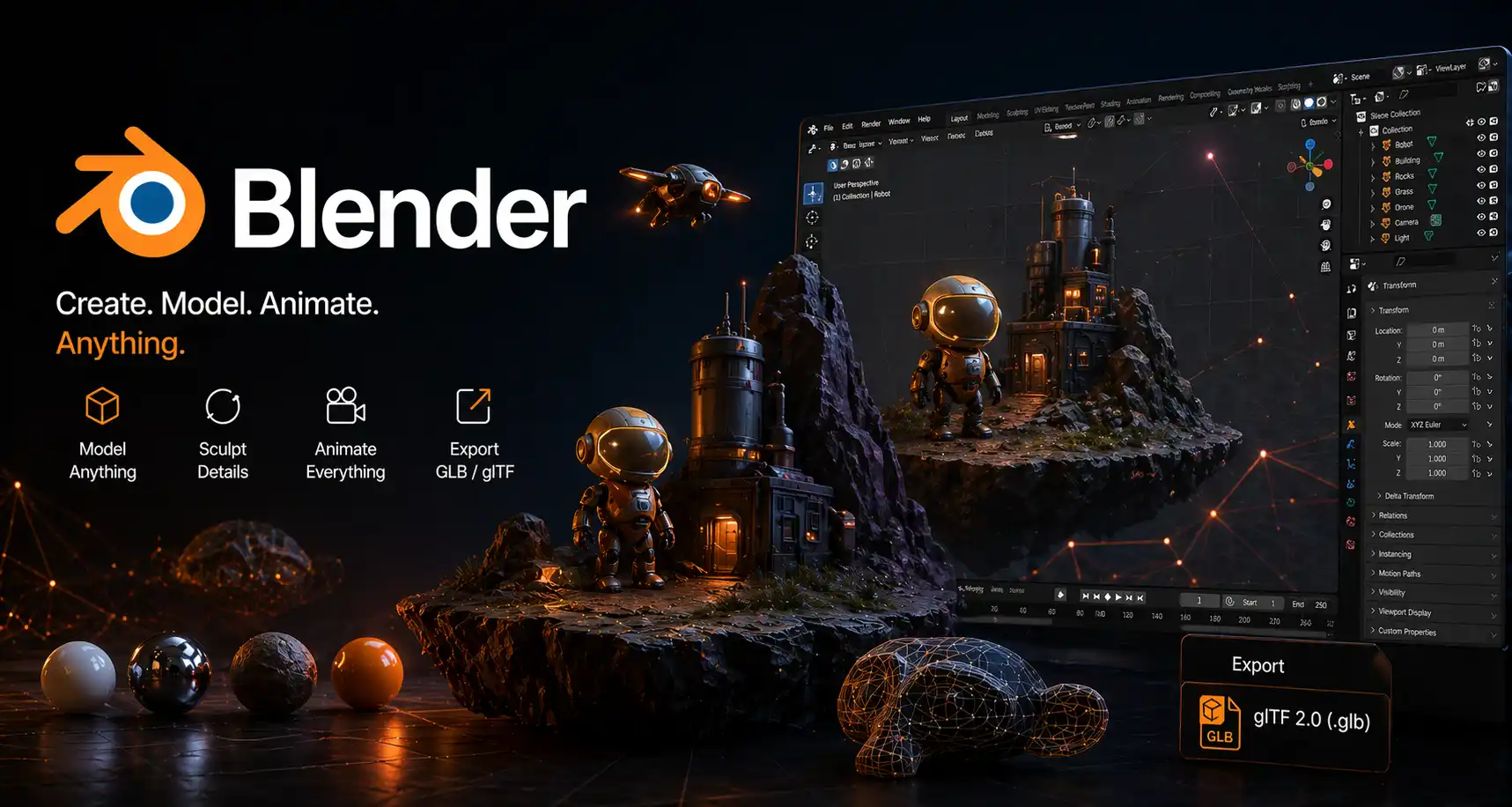
Blender is a powerful open-source tool used to create 3D models, animations, and textures. In Three.js projects, Blender is commonly used to design objects and export them in formats like GLB or GLTF. These models can then be imported directly into a web scene. Blender provides advanced features such as lighting, rigging, and physics simulation, allowing developers to create realistic assets. Even though it has a learning curve, it is one of the most important tools for adding custom 3D content to your website.
Sketchfab
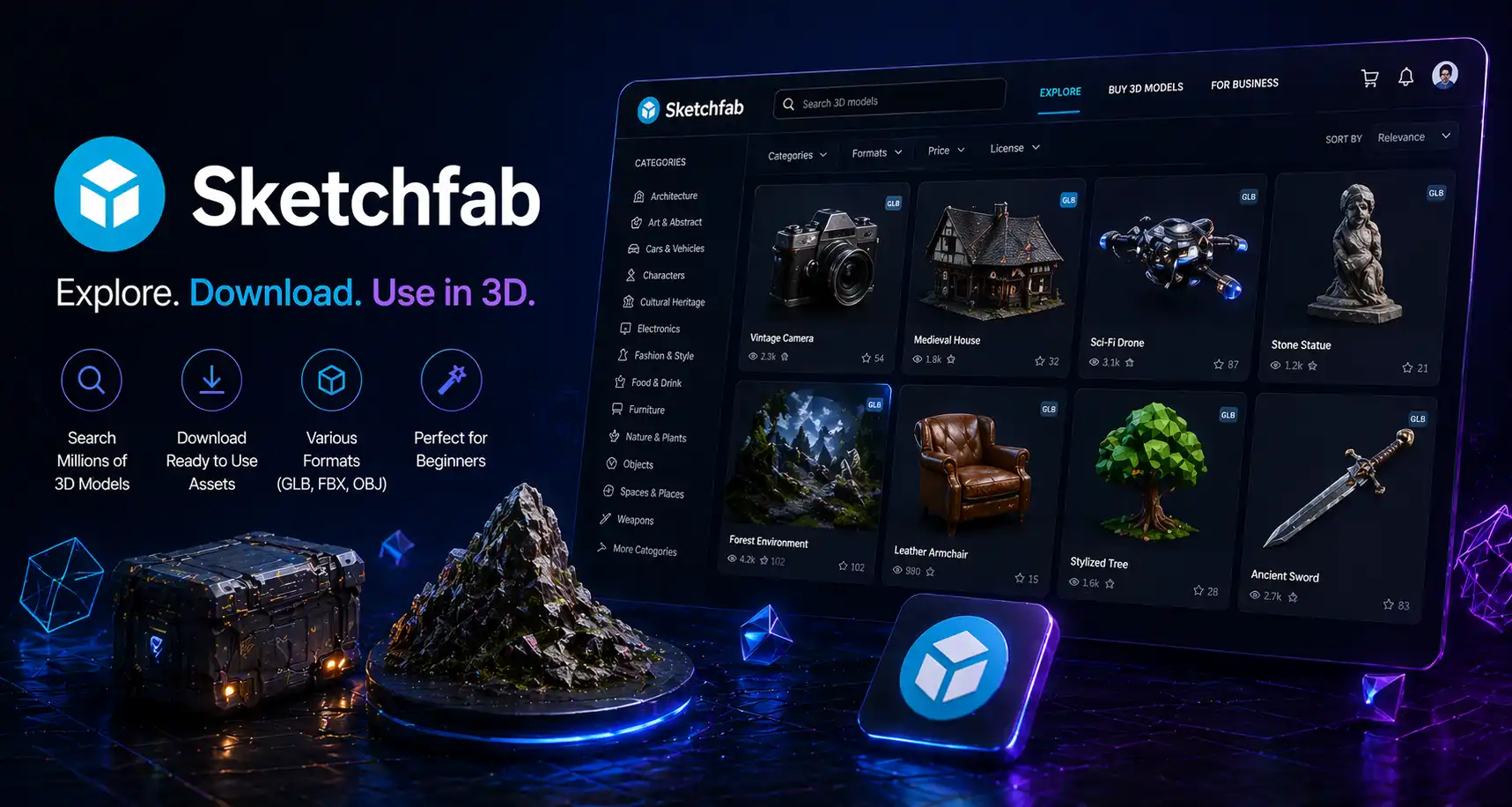
Sketchfab is an online platform where developers can find and download ready-made 3D models. It is especially useful for beginners who may not have experience with 3D modeling. Instead of creating assets from scratch, you can browse a large library of models and use them in your Three.js projects. Sketchfab also allows previewing models in real time, helping you choose the right assets quickly. It saves time and effort while still enabling visually appealing 3D websites.
GSAP
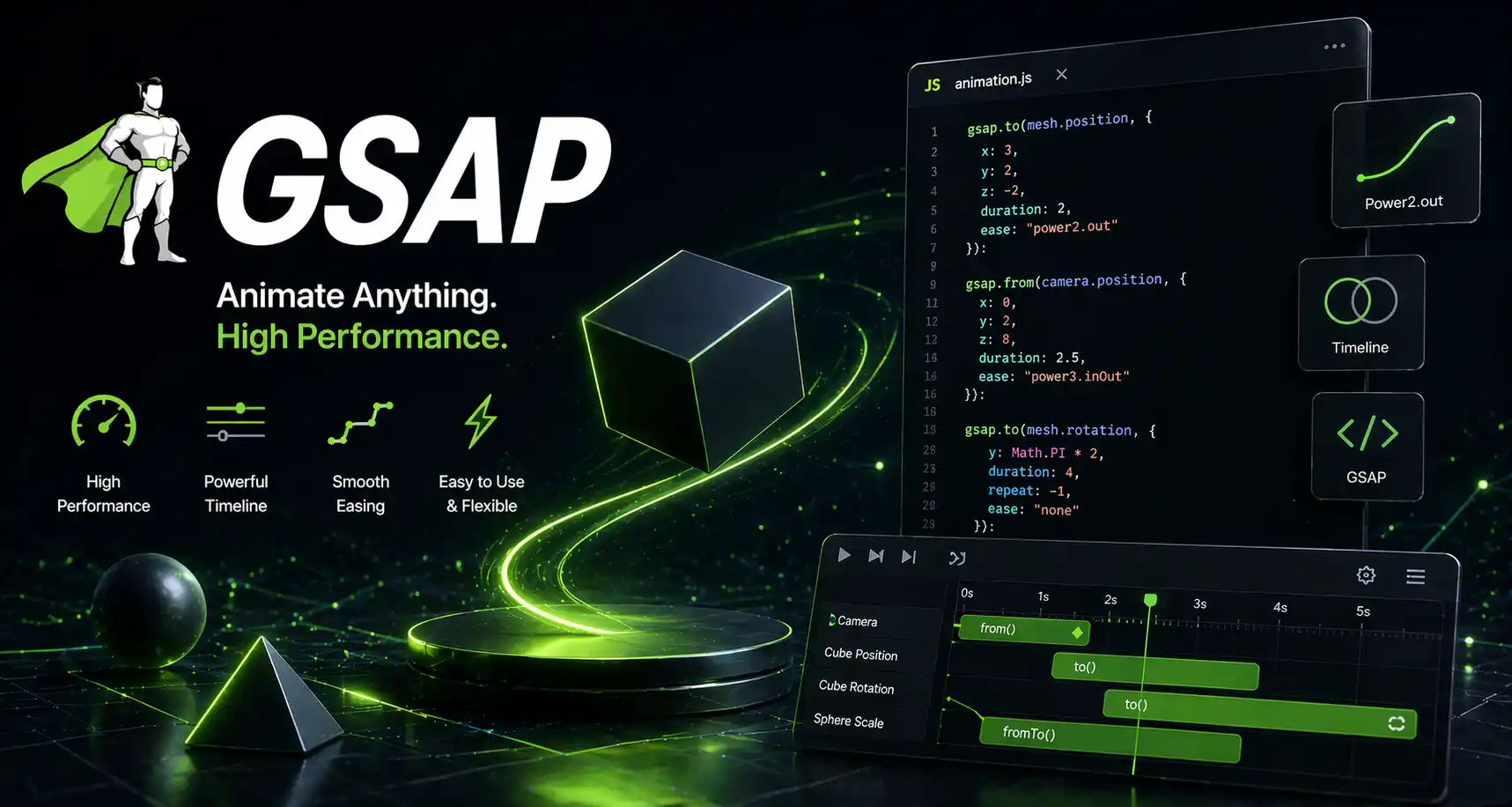
GSAP is a powerful animation library that works well with Three.js to create smooth and complex animations. It allows developers to control timelines, transitions, and interactions with precision. For example, you can animate camera movement, object rotation, or user-triggered effects. GSAP simplifies animation logic, making it easier to create engaging user experiences. Its performance optimization ensures that animations run smoothly even in complex scenes, which is essential for maintaining a professional look in 3D websites.
dat.GUI
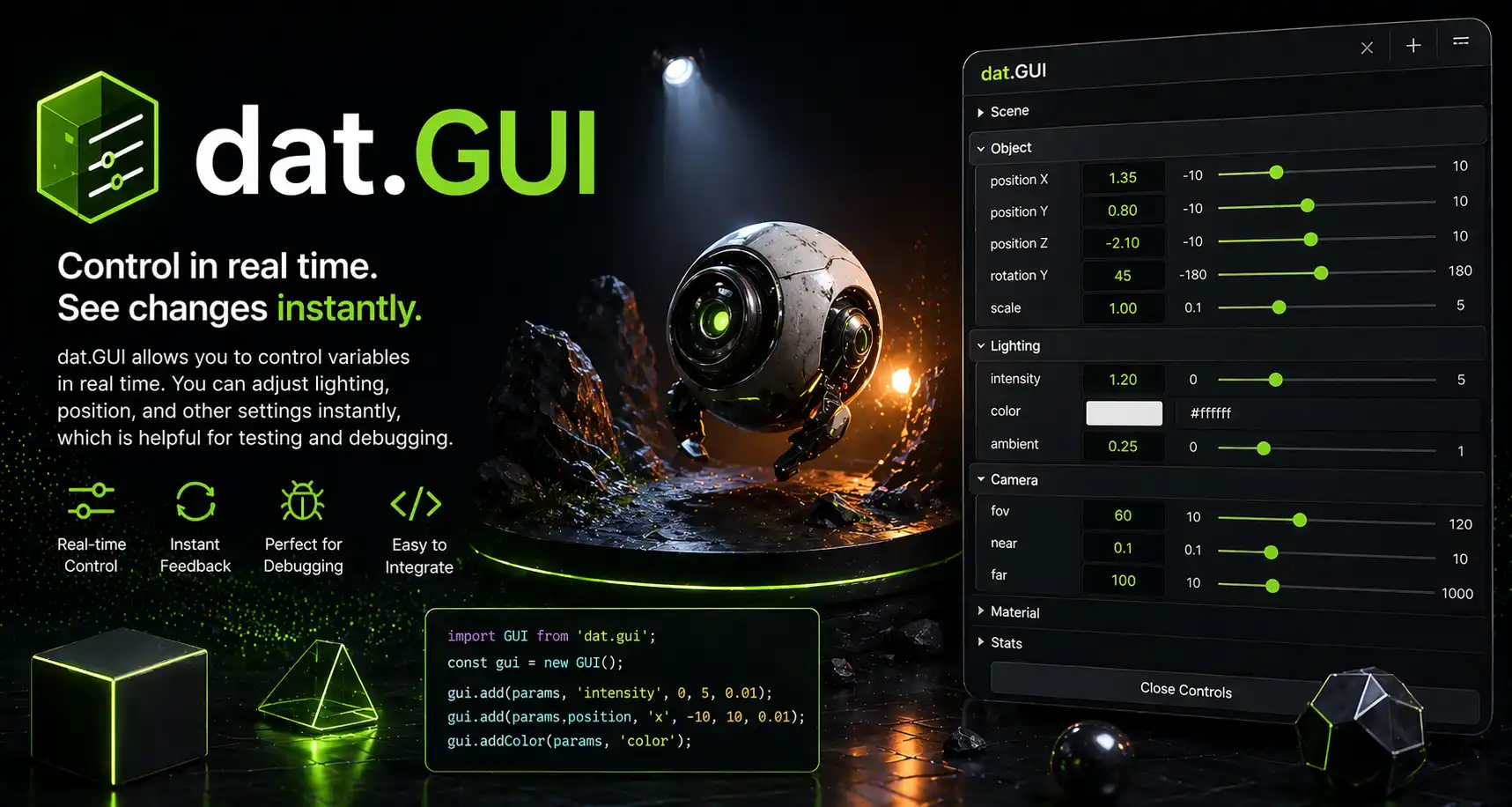
dat.GUI is a lightweight tool used for debugging and controlling variables in real time. It creates a simple interface where developers can adjust parameters like light intensity, object position, or animation speed while the scene is running. This makes it easier to test and fine-tune your 3D environment without constantly editing code. For beginners, it provides a visual way to understand how changes affect the scene. For developers, it speeds up experimentation and optimization.
Chrome DevTools
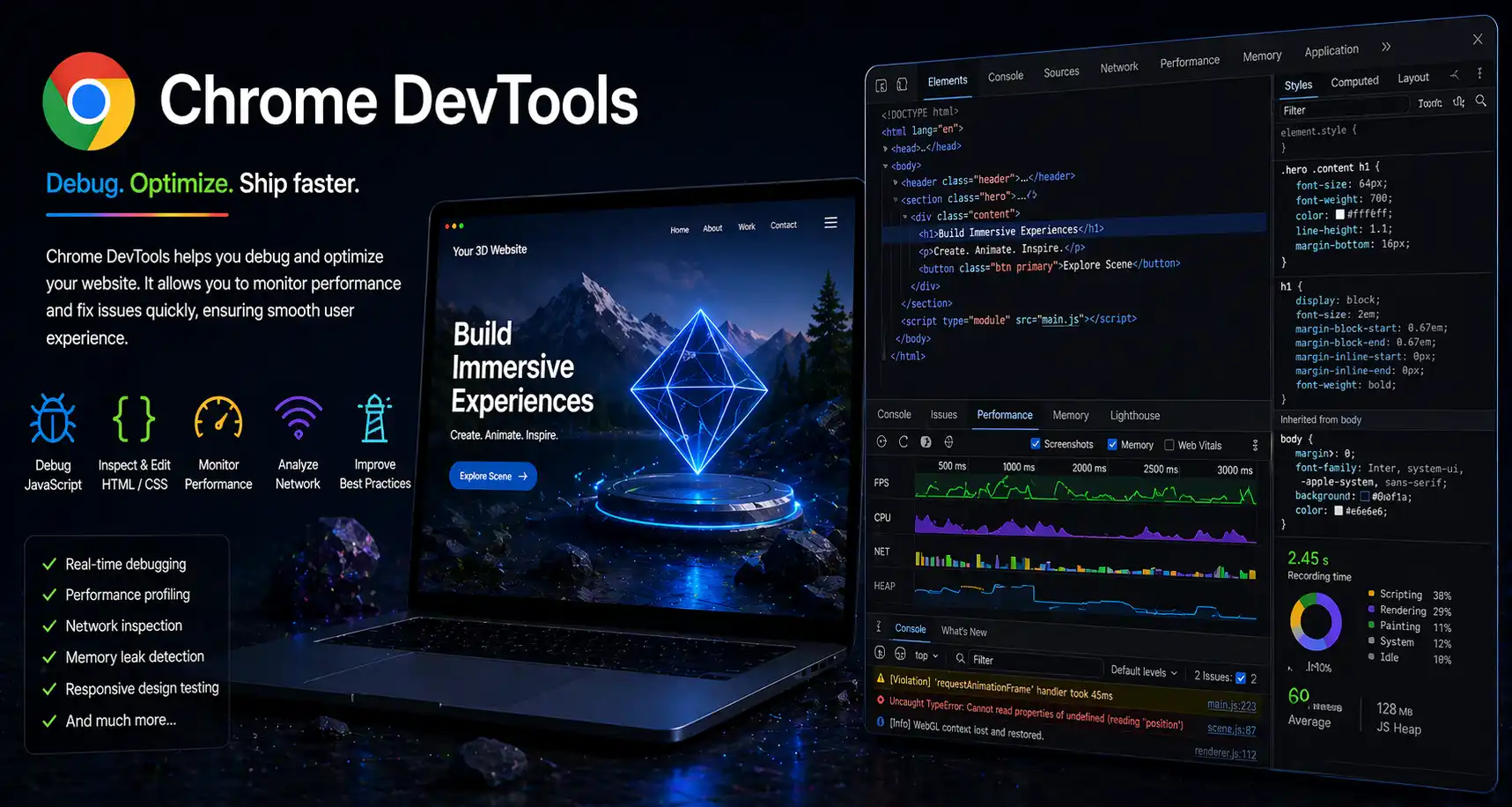
Chrome DevTools is essential for debugging and optimizing web applications. In Three.js projects, it helps monitor performance, inspect elements, and debug JavaScript errors. Developers can analyze frame rates, memory usage, and rendering performance to ensure smooth user experiences. It also allows testing responsiveness across devices. Since 3D websites can be resource-intensive, using DevTools is critical for identifying bottlenecks and improving efficiency.
Vercel
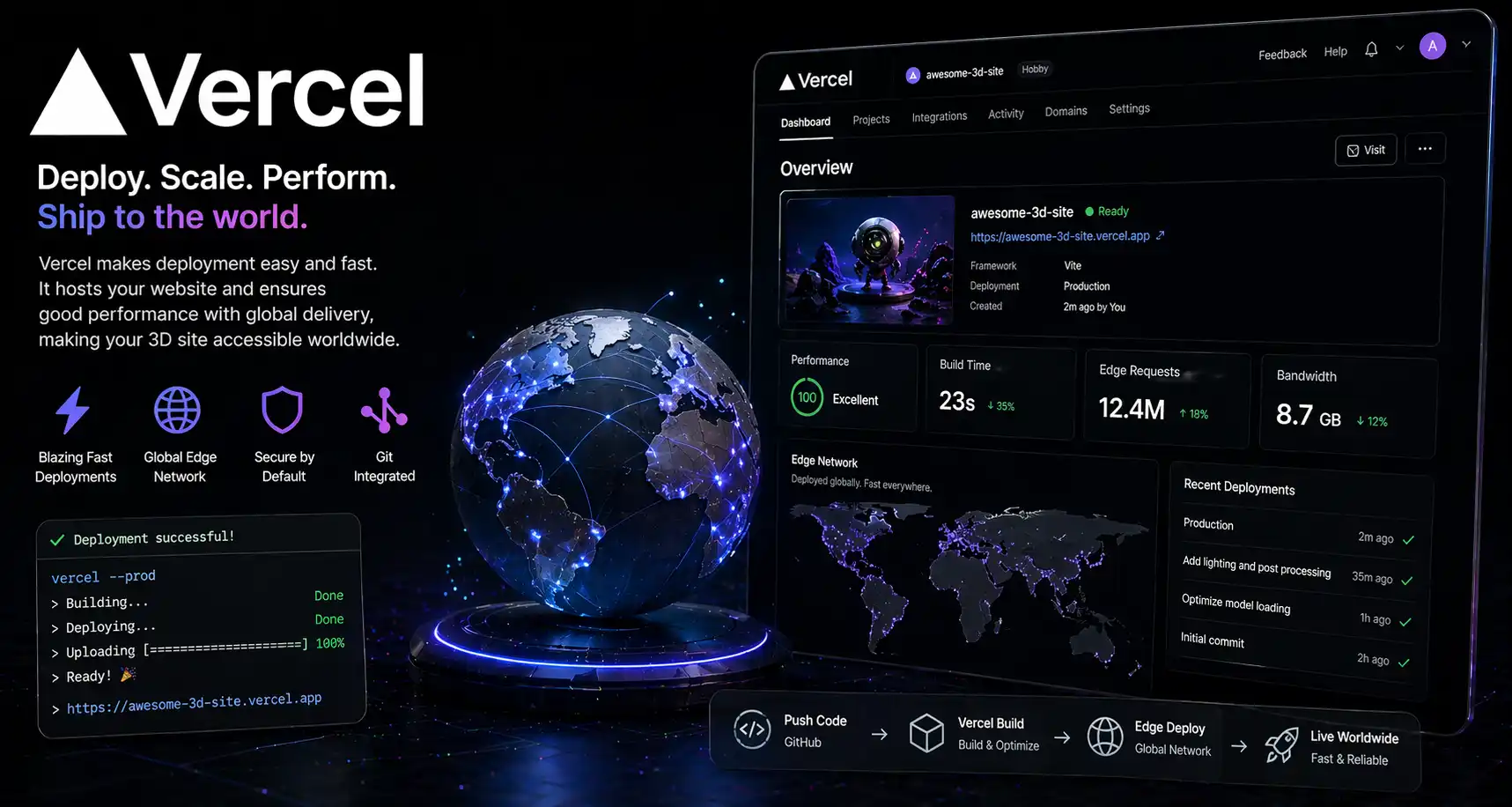
Vercel is a modern hosting platform that makes deploying web projects simple and fast. It integrates seamlessly with Git repositories, allowing automatic deployment with every update. For Three.js projects, Vercel ensures fast loading times and global distribution through its CDN. It also supports modern frameworks and provides performance optimization features. Hosting your 3D website on a reliable platform like Vercel ensures that users can access your project smoothly from anywhere in the world.
Summary
Creating 3D websites using Three.js requires a combination of tools for development, design, and deployment. From coding editors to 3D modeling software and hosting platforms, each tool plays an important role. By using the right tools, beginners can build projects faster, and developers can create high-quality, interactive experiences. Mastering these tools will help you stand out in modern web development.
FAQ
What is the best tool to start with for Three.js?
The best starting point is Three.js itself, combined with a code editor like Visual Studio Code. These provide the foundation for building and testing 3D scenes. Beginners should also use simple build tools like Vite for faster development.
Do I need to learn 3D modeling to use Three.js?
Not necessarily. You can use platforms like Sketchfab to download ready-made models. However, learning Blender gives you more control and customization.
Are these tools free?
Most tools listed are free or have free versions, making them accessible for beginners.
Can I create a 3D website without advanced coding skills?
Yes, basic JavaScript is enough to start. You can build simple 3D scenes and improve gradually.
How can I improve performance of a 3D website?
Optimize models, reduce heavy effects, and use tools like Chrome DevTools to monitor performance.