10 Best Free Resources to Learn Three.js for Beginners in 2026
Learning Three.js in 2026 is more approachable than ever because beginners now have access to a wide mix of free resources. Instead of relying on a single tutorial, you can combine documentation, live demos, videos, communities, and open-source code to build a stronger understanding of how 3D web development works. This variety makes it easier to learn at your own pace and fill gaps whenever a concept feels difficult.
The most effective approach is usually a combination of theory and practice. Reading about scenes, cameras, and materials is useful, but progress becomes much faster when you also experiment with code, study examples, and ask questions when you get stuck. These free resources help beginners build that balance, making it possible to move from simple experiments to real interactive 3D projects without spending money.
Three.js Documentation
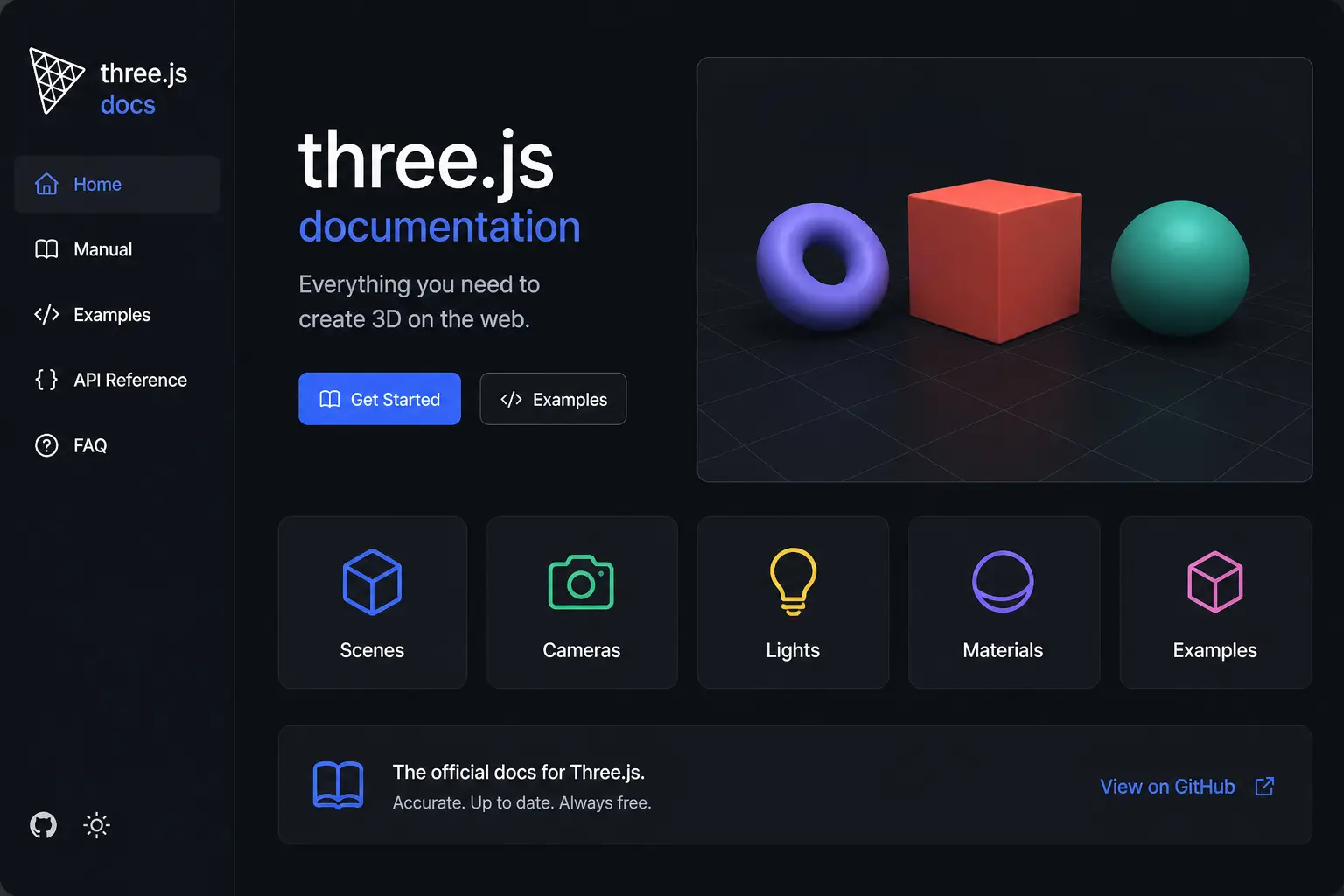
The official Three.js documentation is the best starting point for beginners. It explains core concepts like scenes, cameras, lighting, and materials in a structured way. While it may feel technical at first, it provides accurate and up-to-date information directly from the source. The documentation also includes examples that help you understand how different features work in real projects. Beginners can use it as a reference while following tutorials. Over time, it becomes an essential tool for solving problems and exploring advanced features. It is completely free and always updated with the latest improvements.
Three.js Examples
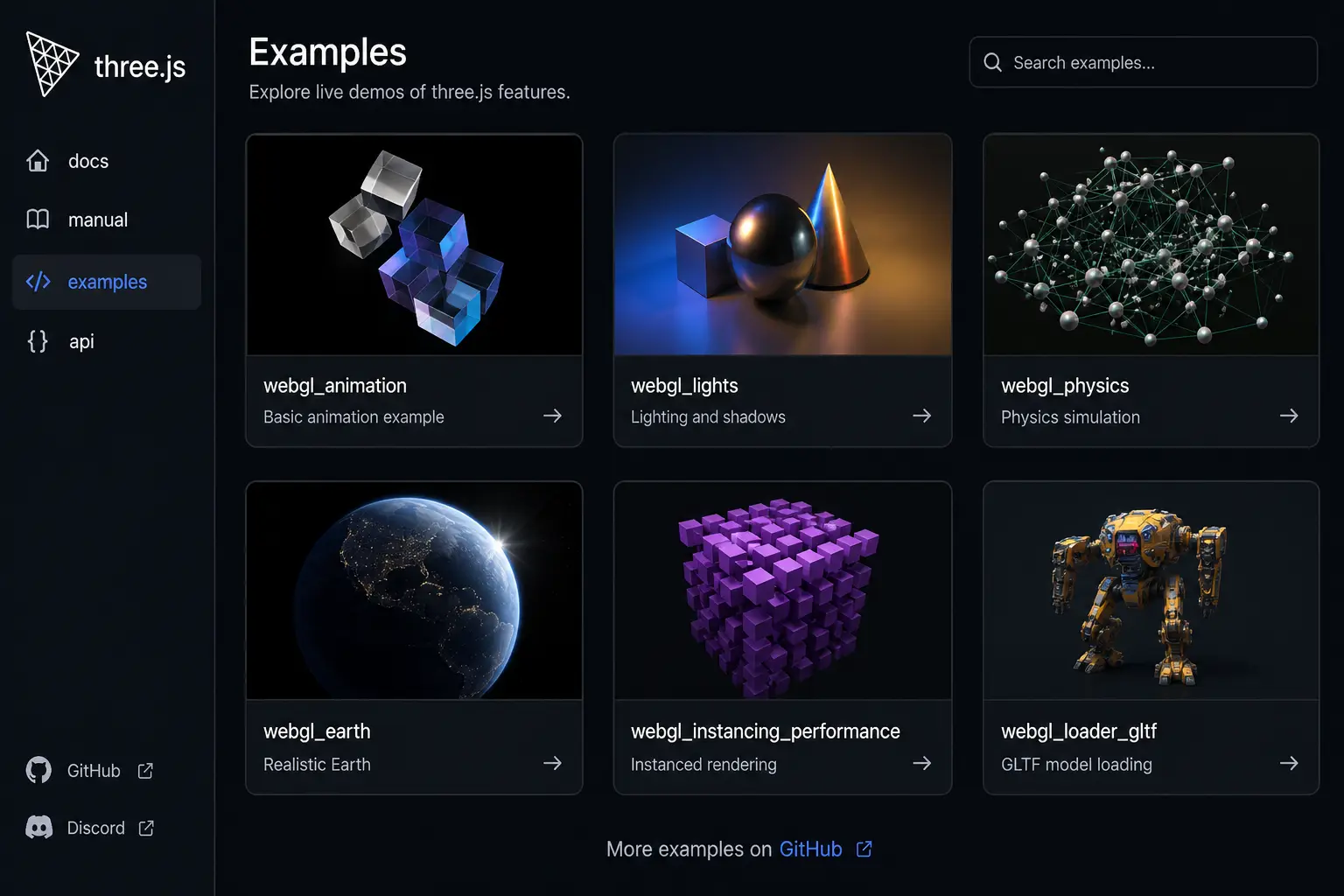
Three.js examples are a collection of live demos that show what the library can do. These examples include animations, lighting effects, physics simulations, and interactive scenes. Each demo comes with source code, allowing you to study and modify it. For beginners, this is one of the fastest ways to learn because you can see results instantly and understand how they are built. By experimenting with these examples, you gain practical knowledge and confidence. It is a great way to move from theory to real-world application.
YouTube
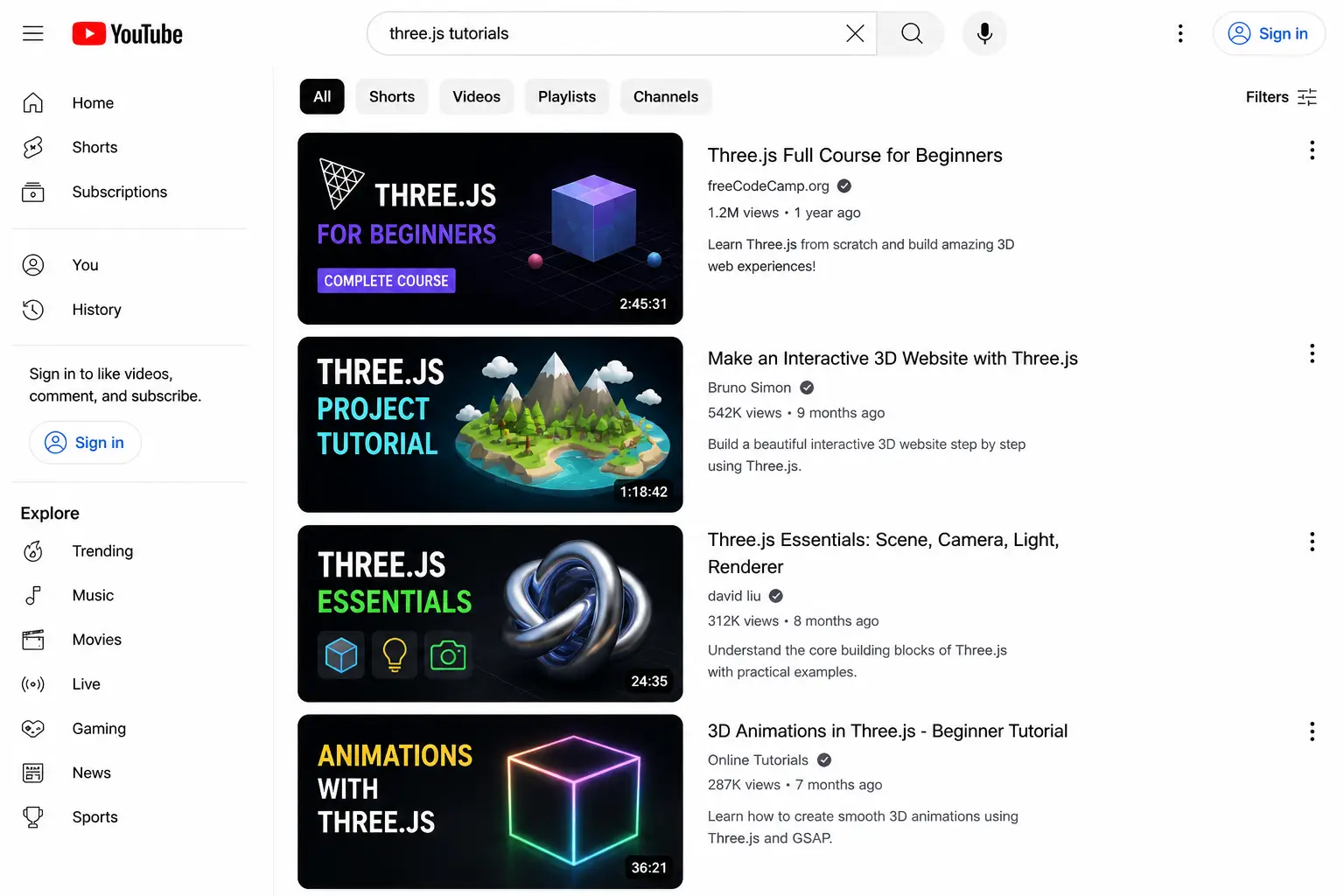
YouTube is one of the most accessible platforms to learn Three.js for free. Many creators share step-by-step tutorials, project builds, and beginner guides. Video content makes it easier to understand complex concepts visually. You can follow along and build projects in real time. The variety of content allows you to choose tutorials that match your skill level. It is especially helpful for beginners who prefer visual learning over reading documentation. Regular updates also keep you informed about new techniques and tools.
CodePen
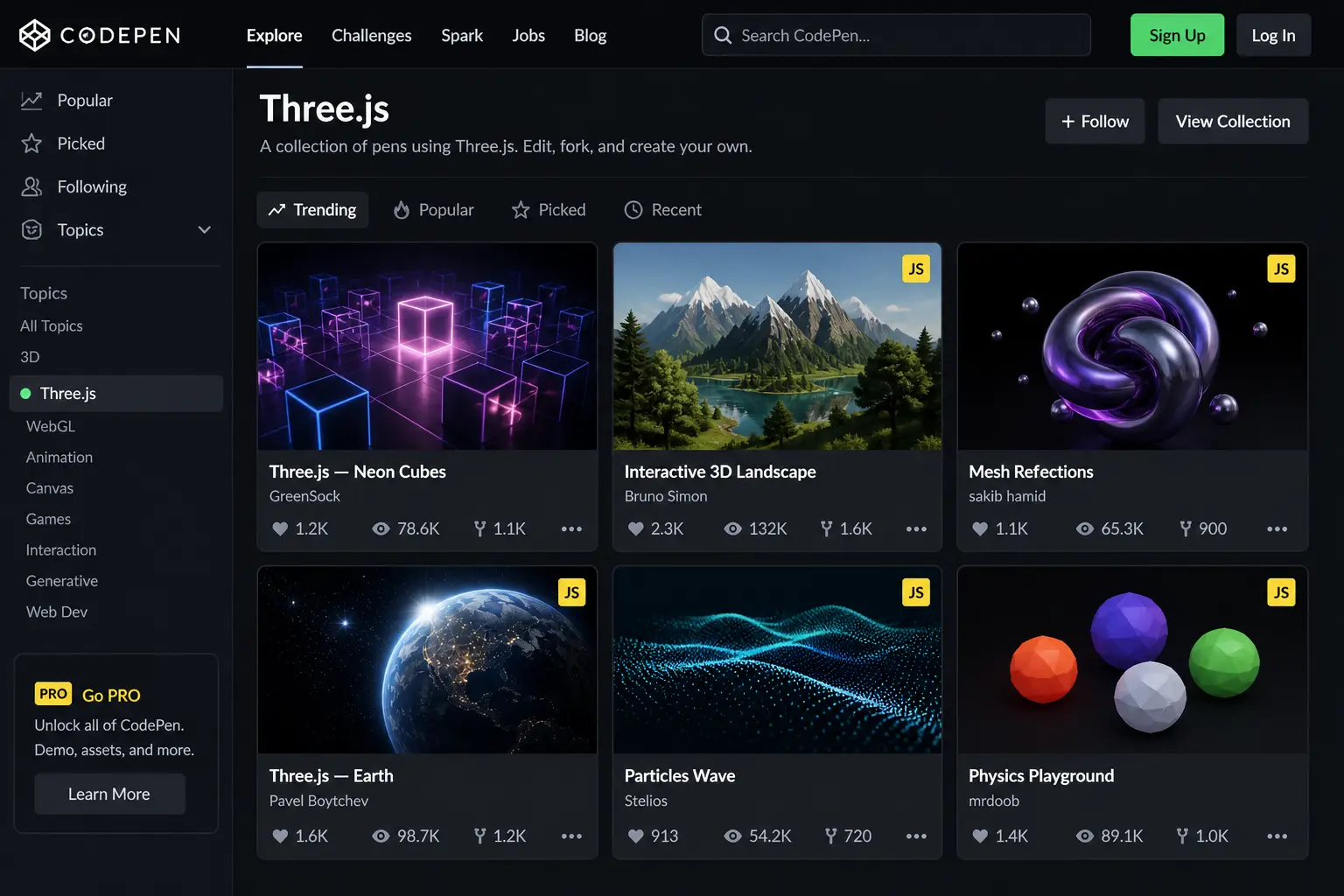
CodePen is an online platform where developers share small projects and experiments. It allows you to see live Three.js demos and edit the code instantly in your browser. This interactive approach helps beginners understand how changes affect the final output. You can fork existing projects, experiment with them, and learn by doing. CodePen is particularly useful for quick testing and learning without setting up a local environment. It encourages creativity and exploration.
GitHub
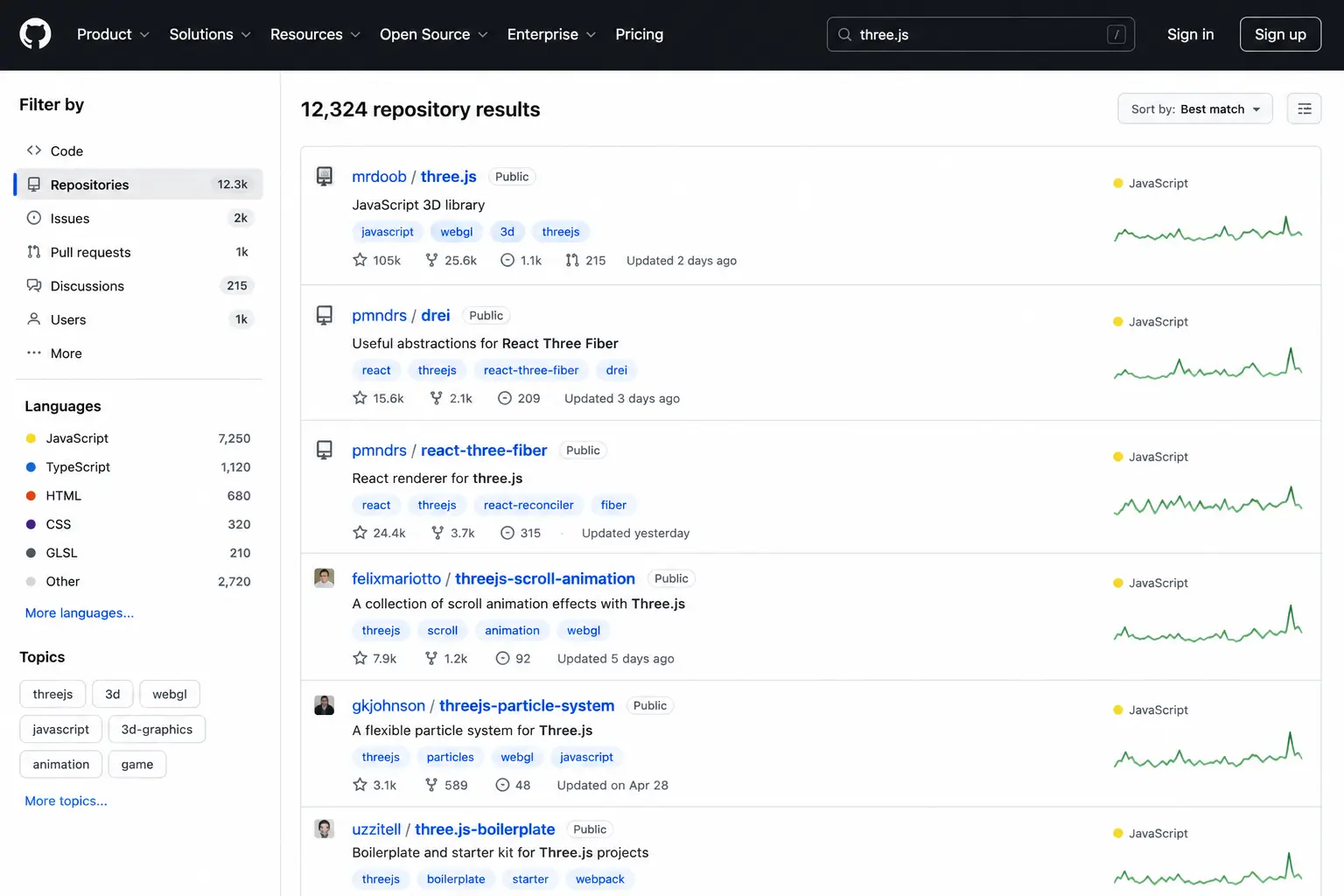
GitHub hosts thousands of open-source Three.js projects. Beginners can explore real-world examples, download code, and learn how projects are structured. It is also a great place to find tutorials, starter templates, and reusable components. By studying other developers' code, you gain insights into best practices and advanced techniques. GitHub also helps you track your own learning progress and build a portfolio. It is an essential resource for anyone serious about learning development.
freeCodeCamp
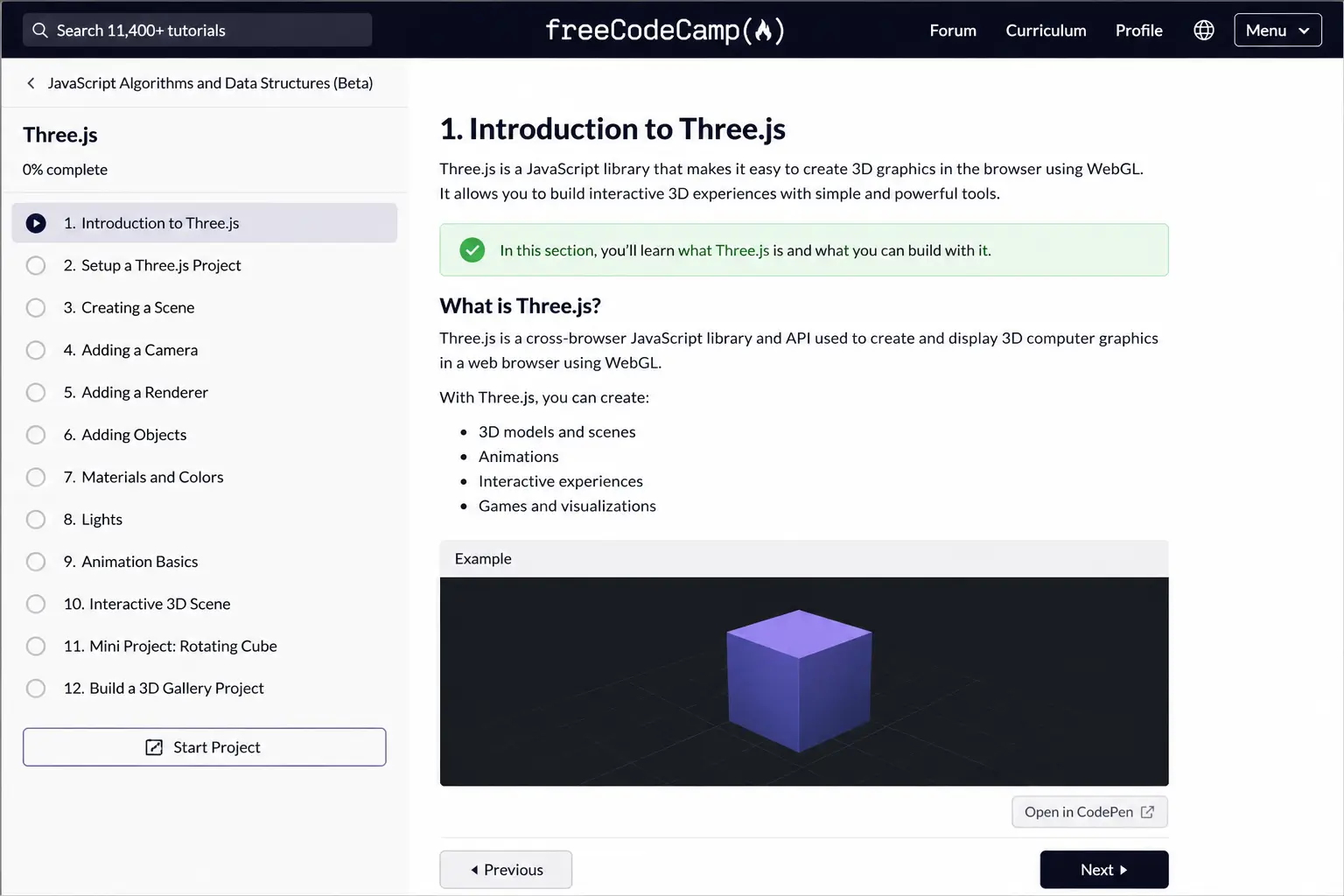
freeCodeCamp offers structured tutorials and projects that help beginners learn web development skills, including Three.js basics. The platform focuses on hands-on learning, making it easier to understand concepts through practice. It is completely free and beginner-friendly. You can follow guided lessons and gradually build your skills. It is a great starting point for those new to coding and looking for a structured path.
Stack Overflow
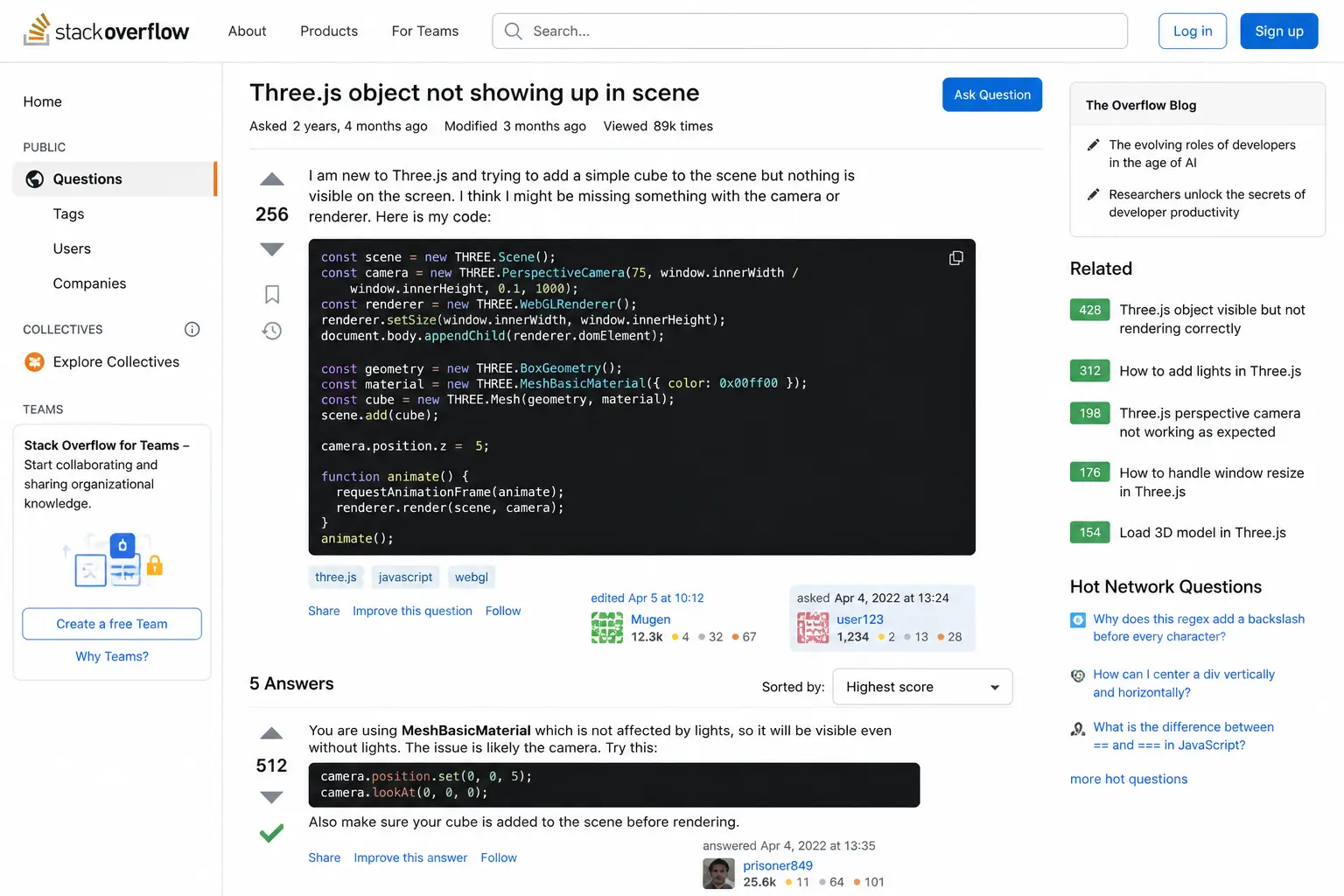
Stack Overflow is a community where developers ask and answer technical questions. When learning Three.js, you will often face challenges, and this platform can help you find solutions quickly. Many common problems have already been answered, saving time and effort. It is a valuable resource for troubleshooting and understanding errors. Beginners can also learn by reading discussions and solutions shared by experienced developers.
MDN Web Docs
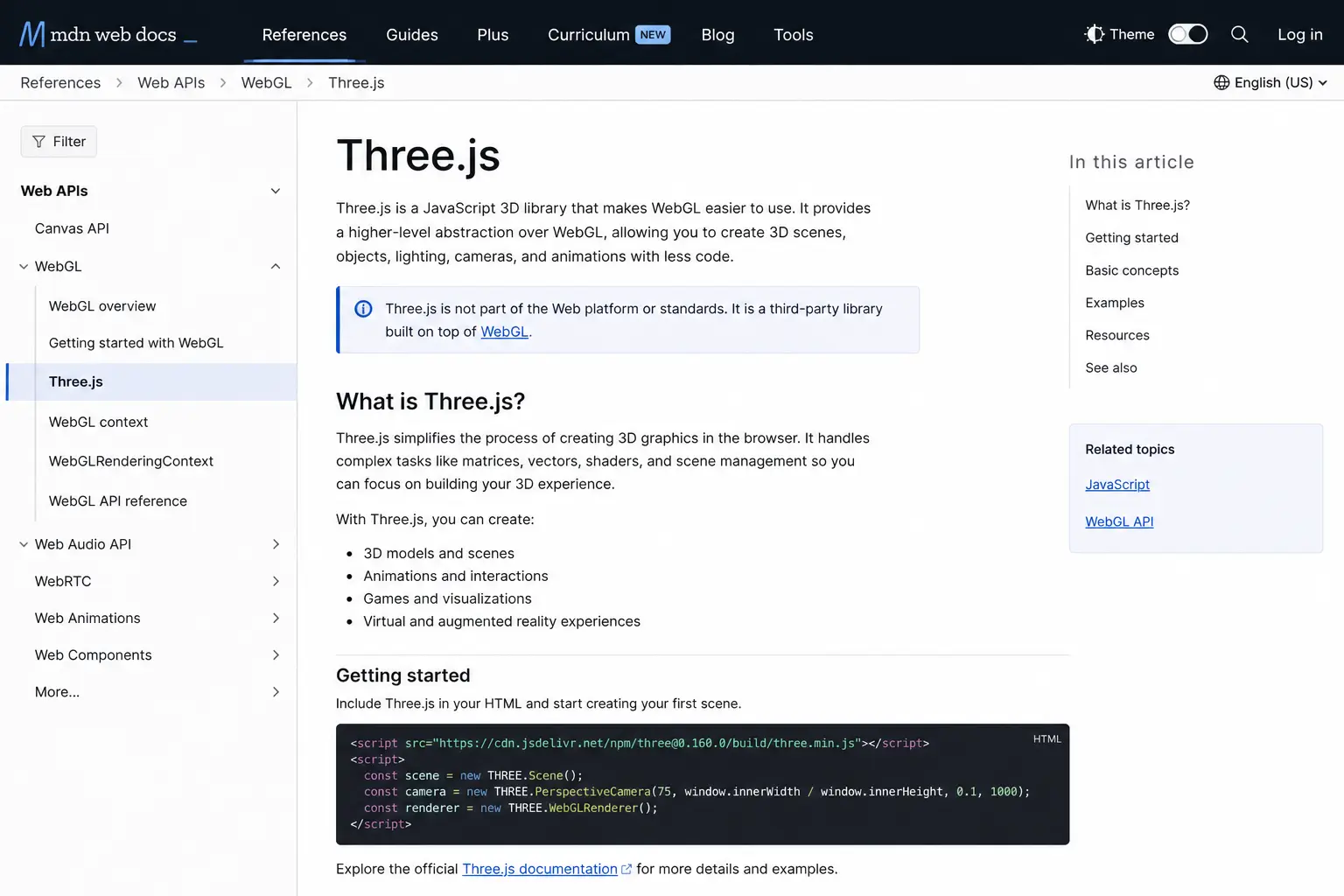
MDN Web Docs provides detailed explanations of web technologies like JavaScript, HTML, and WebGL, which are essential for understanding Three.js. While it does not focus only on Three.js, it helps you build a strong foundation in the underlying technologies. Beginners can use MDN to learn core concepts and improve their overall web development skills. It is reliable, well-structured, and widely trusted.
Coursera
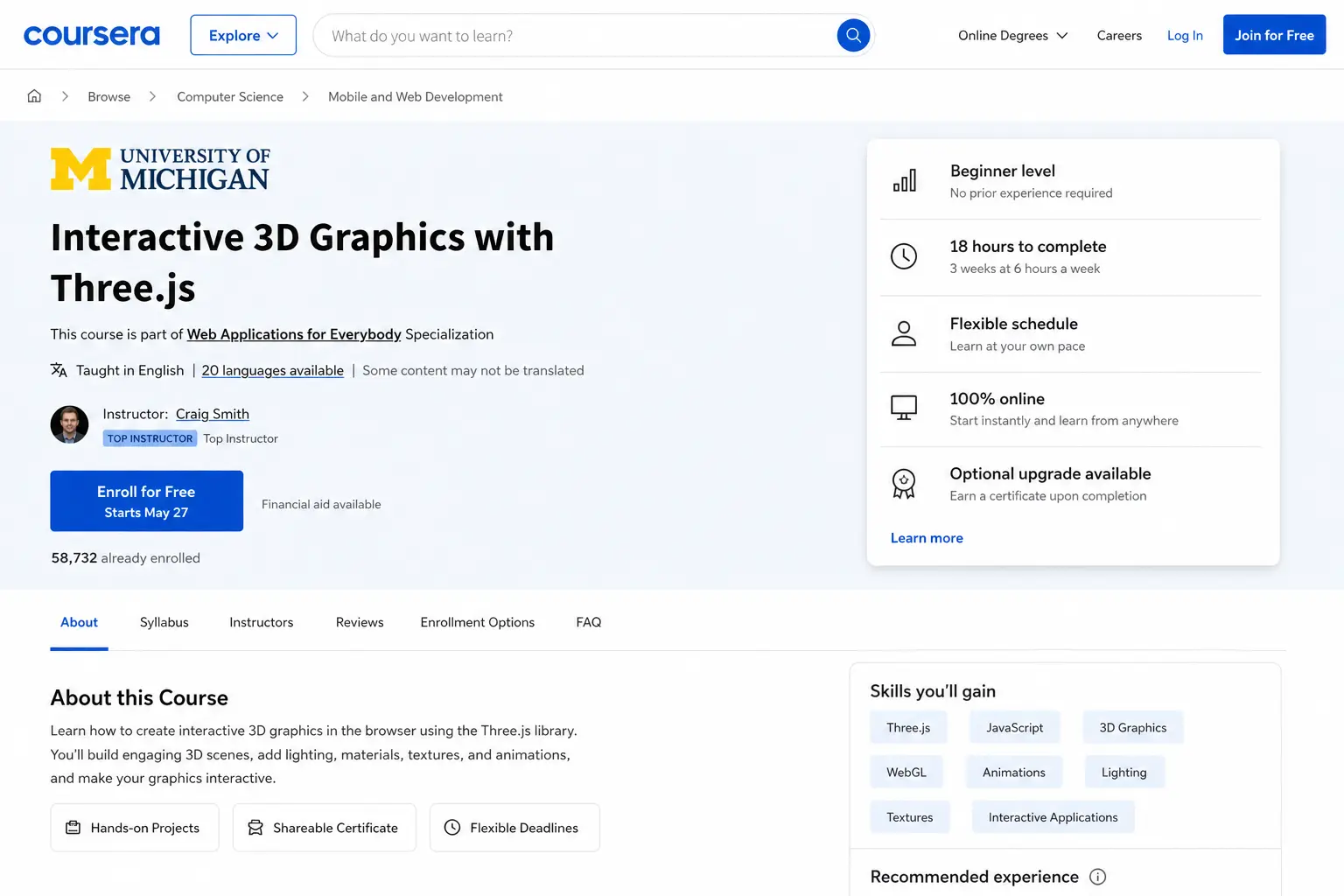
Coursera offers free courses, with optional paid certificates, that cover web development and graphics programming. Some courses include topics related to 3D graphics and JavaScript. These structured courses help beginners learn step by step with guidance from instructors. It is useful for those who prefer a classroom-style learning experience. Even without paying, you can access valuable educational content.
Reddit
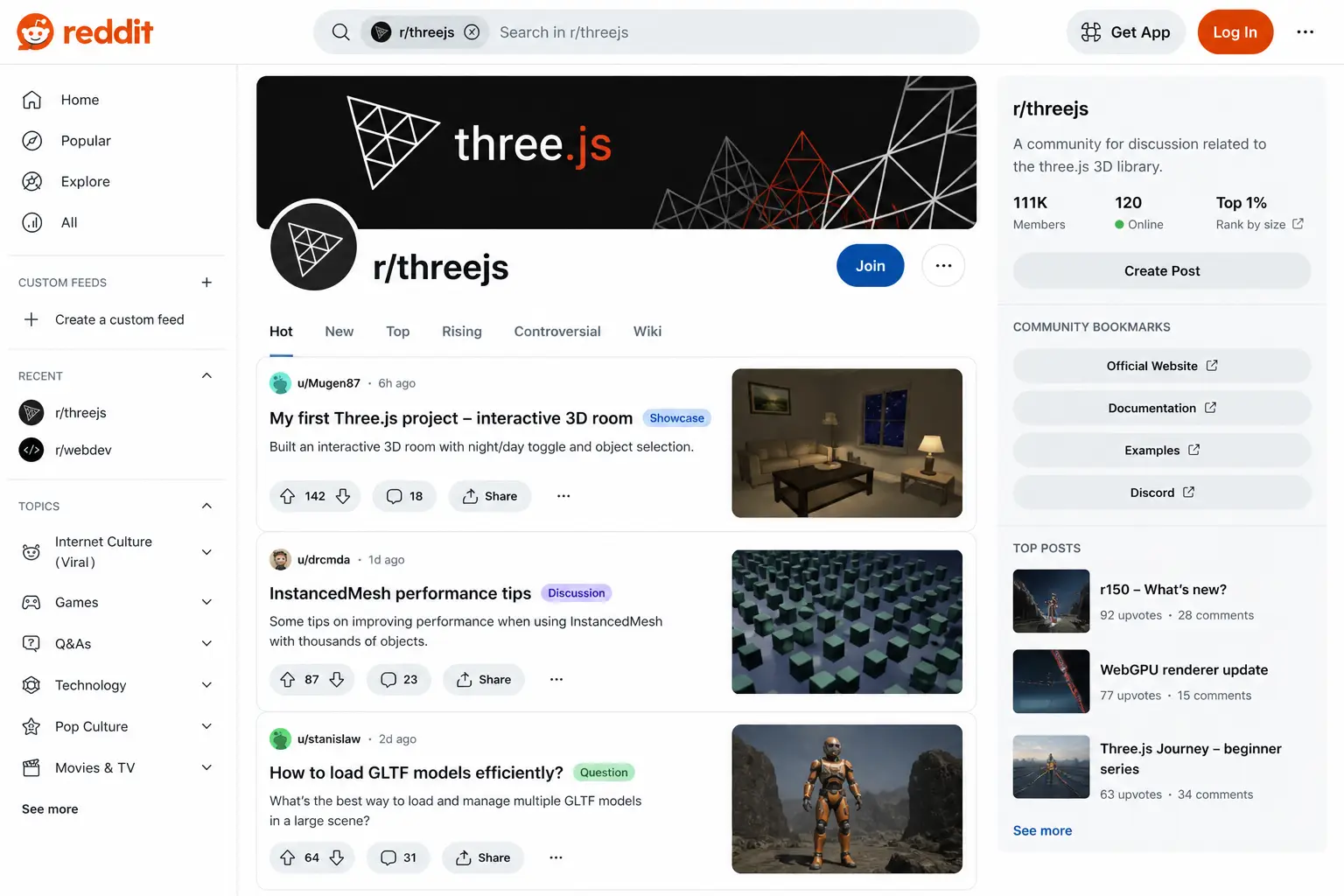
Reddit has active communities where developers share tips, projects, and learning resources for Three.js. Subreddits focused on web development and 3D graphics provide insights into real-world use cases. Beginners can ask questions, get feedback, and stay updated with trends. It is a great way to connect with other learners and developers. Community support can make learning faster and more engaging.
Summary
Learning Three.js in 2026 is easier than ever with a wide range of free resources available online. From official documentation and interactive examples to video tutorials and developer communities, beginners have multiple ways to learn effectively. These resources provide both theoretical knowledge and hands-on practice, helping users build real projects. By combining different learning platforms, beginners can develop strong skills and confidently create interactive 3D web experiences.
FAQ
What is the best free resource to learn Three.js?
The official Three.js documentation and examples are the best starting points for beginners because they come directly from the source and show both the theory and the practical implementation.
Do I need prior coding knowledge to learn Three.js?
Basic knowledge of JavaScript is helpful, but you can still get started as a beginner by following simple tutorials and learning the fundamentals as you build small projects.
Are free resources enough to learn Three.js?
Yes, free tutorials, examples, videos, and developer communities can be enough to build strong Three.js skills if you practice consistently and work on real projects.
How long does it take to learn Three.js?
It depends on your consistency and background, but many beginners can build simple Three.js projects within a few weeks of regular practice.